
XO3D Studio · Resources
The XO3D reference library.
25 plain-English topic references on product rendering, animation, launch visuals, AR and VR. A curated library for teams commissioning product CGI, with decision guides and field notes alongside.
Where should I start?
Start with the question you have.
Most people arrive with one of four questions: what a format can do, which option suits the product, what to prepare, or how to commission the work. The four steps below follow that order. Pick the one closest to your question. Each link opens an existing page; none asks for your details.
Understand
What can product rendering show?
How CGI stills present form, finish and detail, and where brands use them.
Understand product renderingDecide
Stills, motion or both?
When a sequence explains more than a single frame, and when it does not.
Choose stills or motionBrief
What should we prepare?
The product, audience, outputs and source files a studio needs to scope the work.
Prepare a briefCommission
Ready to plan a launch?
A directed set of film, stills and channel versions, scoped around the release plan.
Discuss launch visuals
The four pillars below sit at the Understand step. The decision guides further down help with the Decide step. Comparing studios before you get this far? Read Choosing a CGI studio on XO3D Labs.
Start here
The four pillars.
Hub pages covering the disciplines our studio works in daily. Each one starts from a buyer's question and links out to specialist references on materials, lighting, file formats and more.
 01
3D Rendering
3D Rendering: Types, Process and Uses
What does the product need to show?
Start here if the job is form, finish, a detail or a colourway that a buyer needs to study at their own pace.
The XO3D guide to 3D rendering: the main disciplines (product, architectural, interior, jewellery), how the process works, and when CGI beats photography.
Read the reference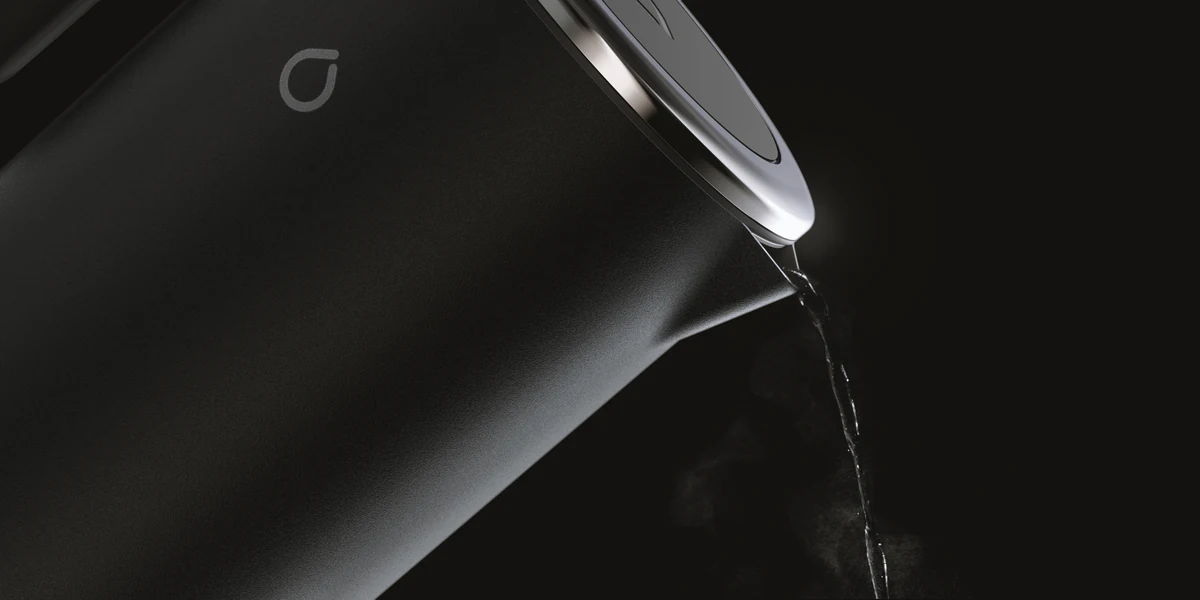 02
3D Animation
3D Animation: Types, Process and Uses for Product Brands
What needs to move?
Start here if the message changes over time: a mechanism, an assembly, a reveal or a sequence of features.
The XO3D guide to 3D animation: what it is, the main types of product animation, how the pipeline works, and when brands commission it over live-action film.
Read the reference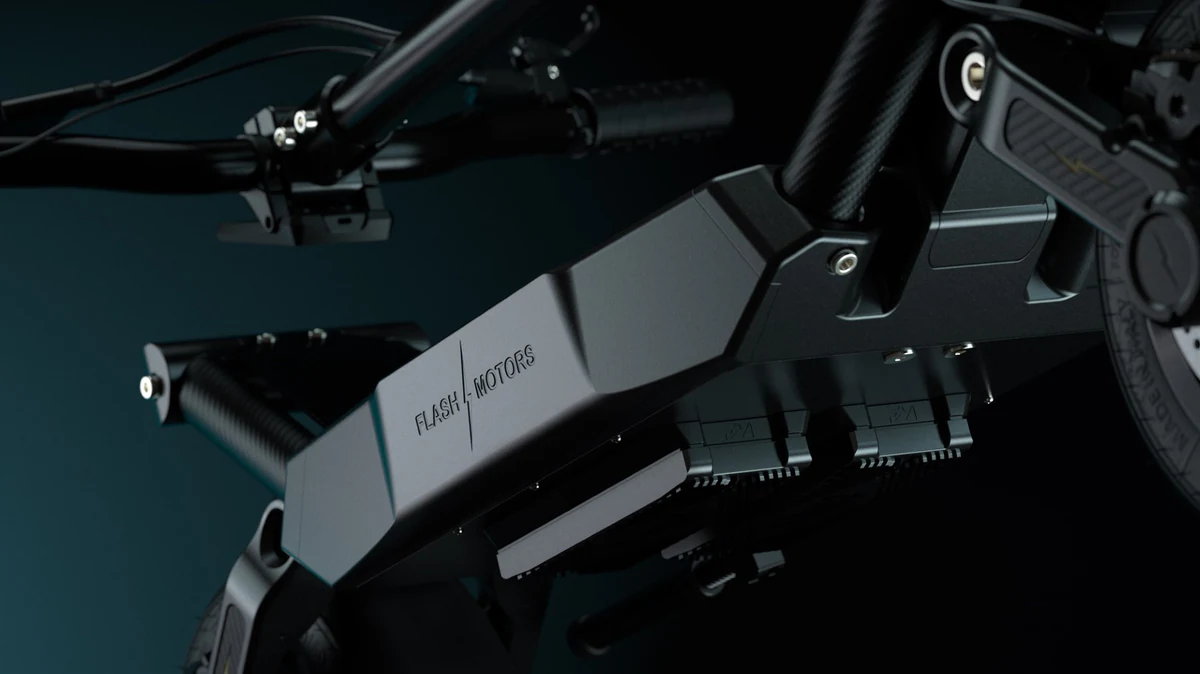 03
Product Launch
Product Launch: The CGI-Led Content Playbook
Which launch outputs are needed?
Start here if you are planning a release and need the film, stills and channel versions to work as one set.
A practical guide to product launches for brands using CGI. What goes into a modern launch content set, the sequence brands run, and why 3D asset reuse changes the economics of launching.
Read the reference 04
Augmented Reality
What Is Augmented Reality? Product, Retail and Brand Uses
Does placement help the buyer?
Start here if seeing the product at true scale in a room or on a desk would answer a buying question. An AR model is prepared and optimised for its device, not taken straight from a film.
A practical guide to augmented reality for brands: what AR is, where it earns its keep in product marketing, retail and ecommerce, and how assets are made.
Read the reference
The full library
Browse by topic.
25 topic references across 7 topic areas, counted from the same list that builds the cards below. The 9 decision guides and 5 field notes further down are listed separately and are not in that count, so it is not a count of every page on the site.
Show a topic area
3D Animation (10)
3D Animation
3D Animation: Types, Process and Uses for Product Brands
3D Animation
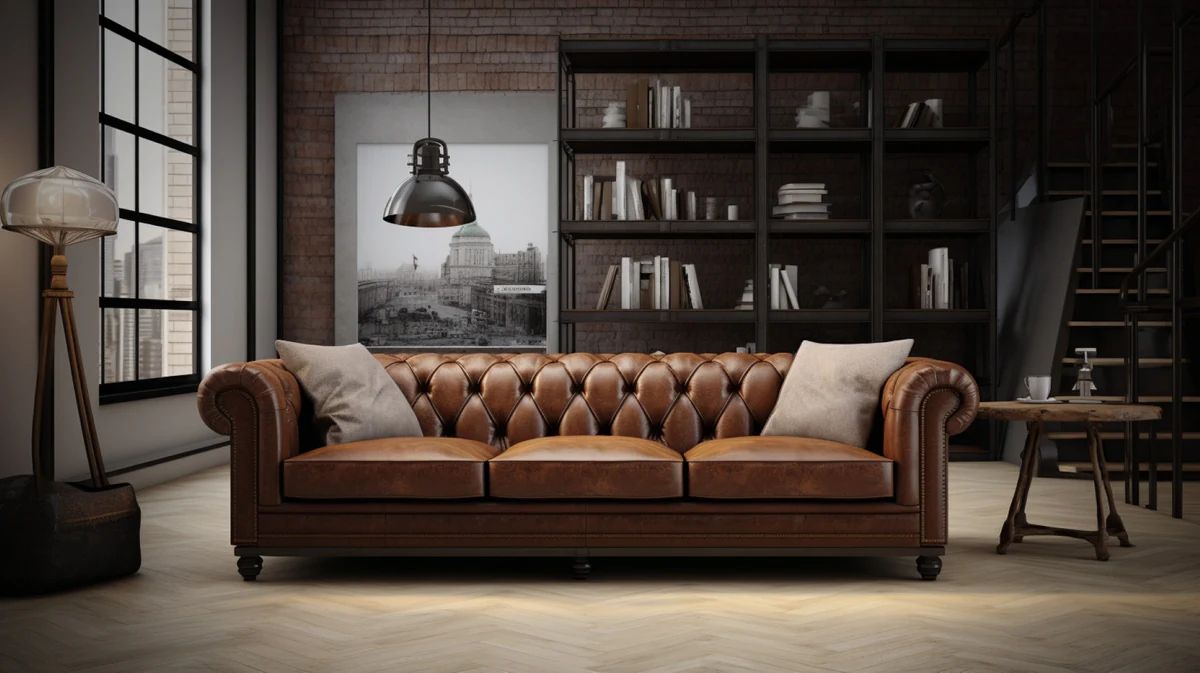
3D Furniture Animation: Uses, Process and Range Coverage
3D Animation
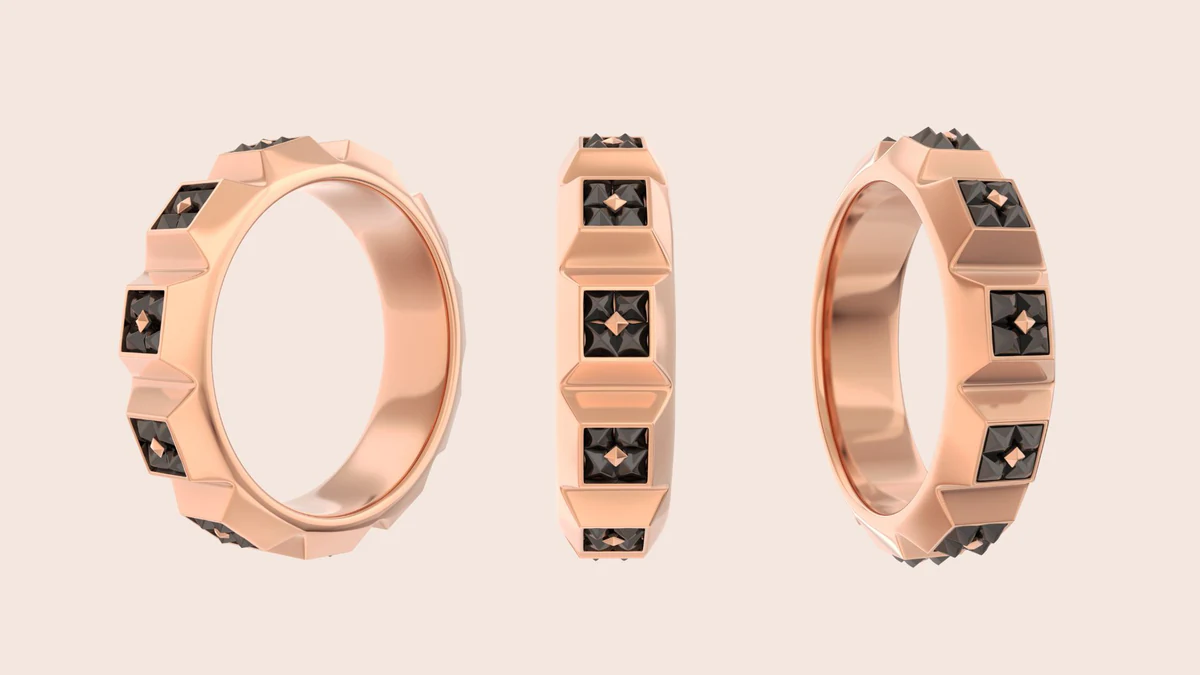
3D Jewellery Animation: How Premium Brands Film Stones and Metal
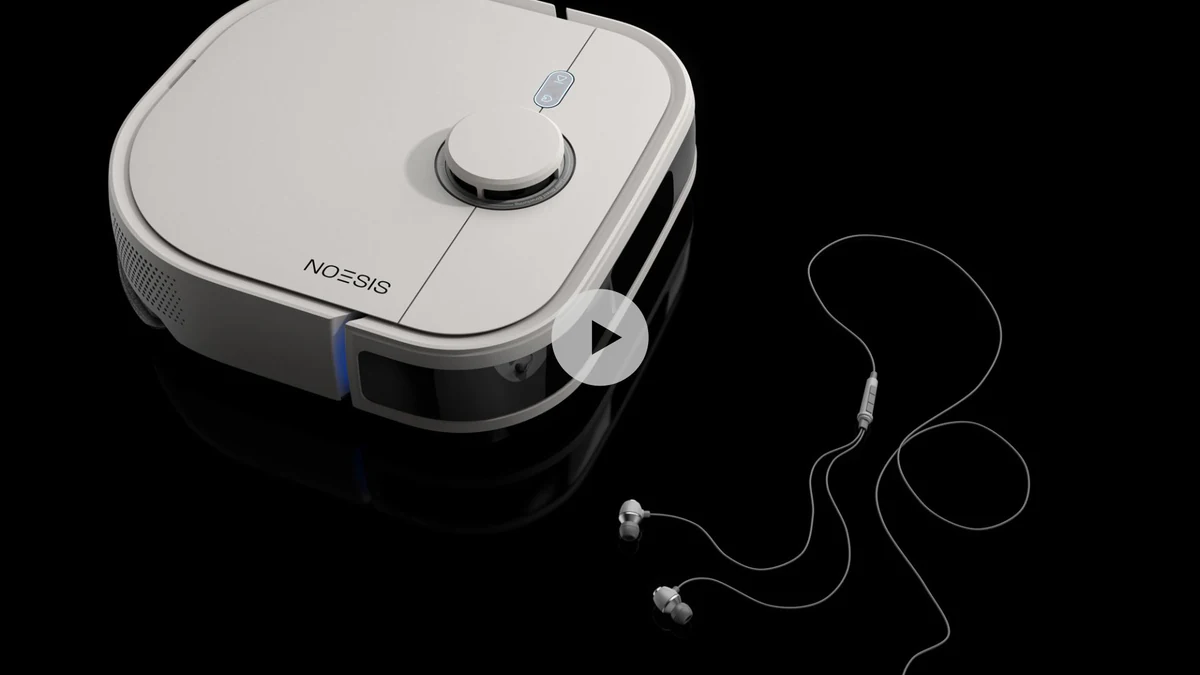
3D Animation
3D Marketing Films: Formats, Process and Campaign Planning
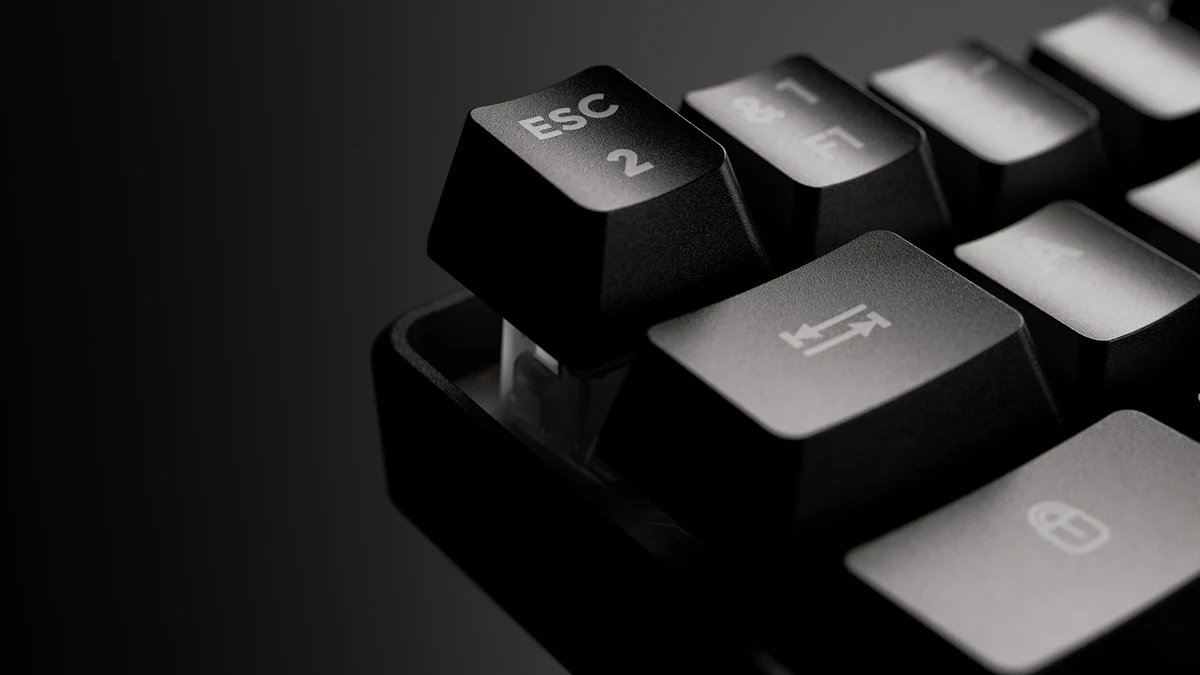
3D Animation
3D Product Animation: Types, Process and Launch Uses
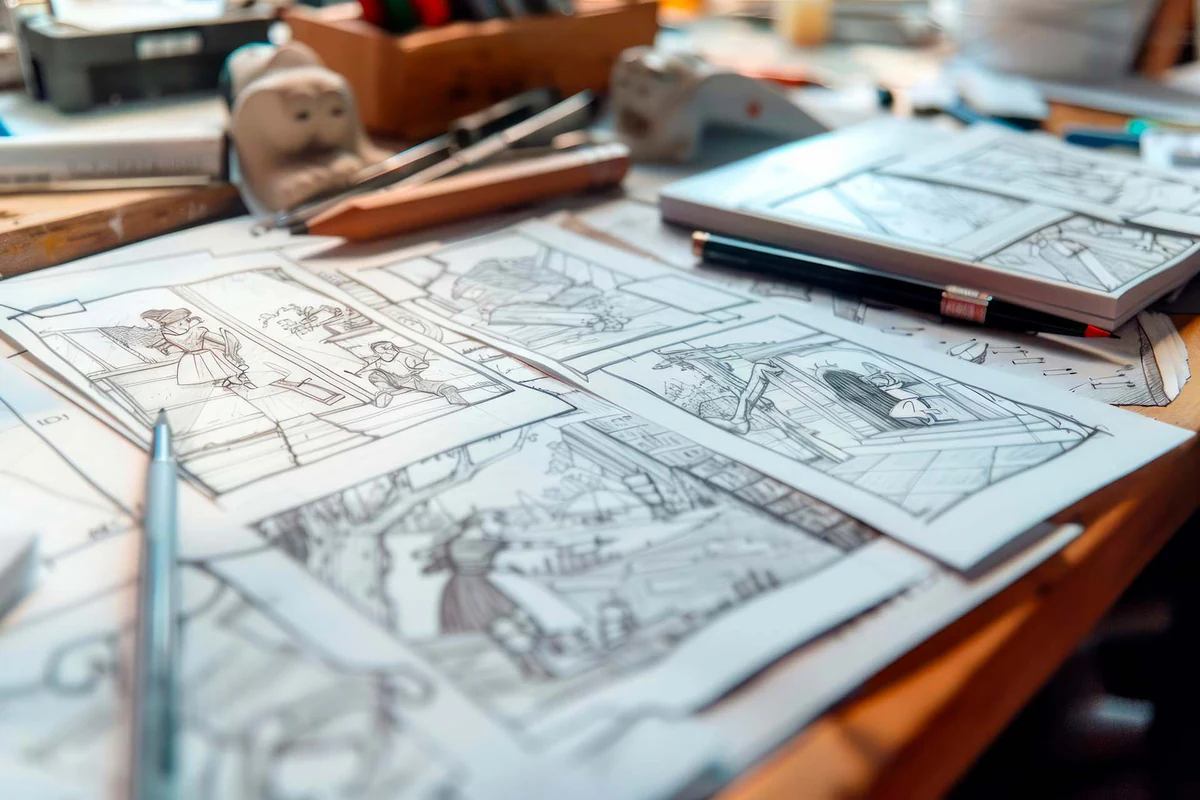
3D Animation
Types of Storyboards: Formats and When to Use Each
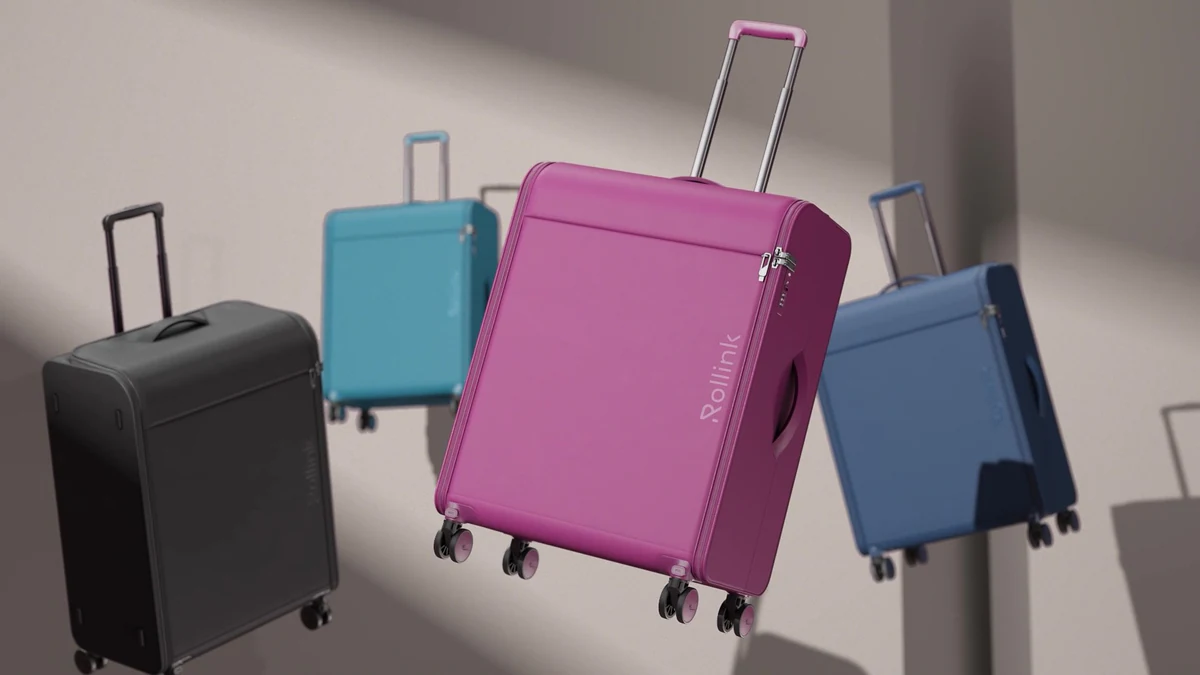
3D Animation
Animated Colourways: Product Marketing that Shows Every Variant
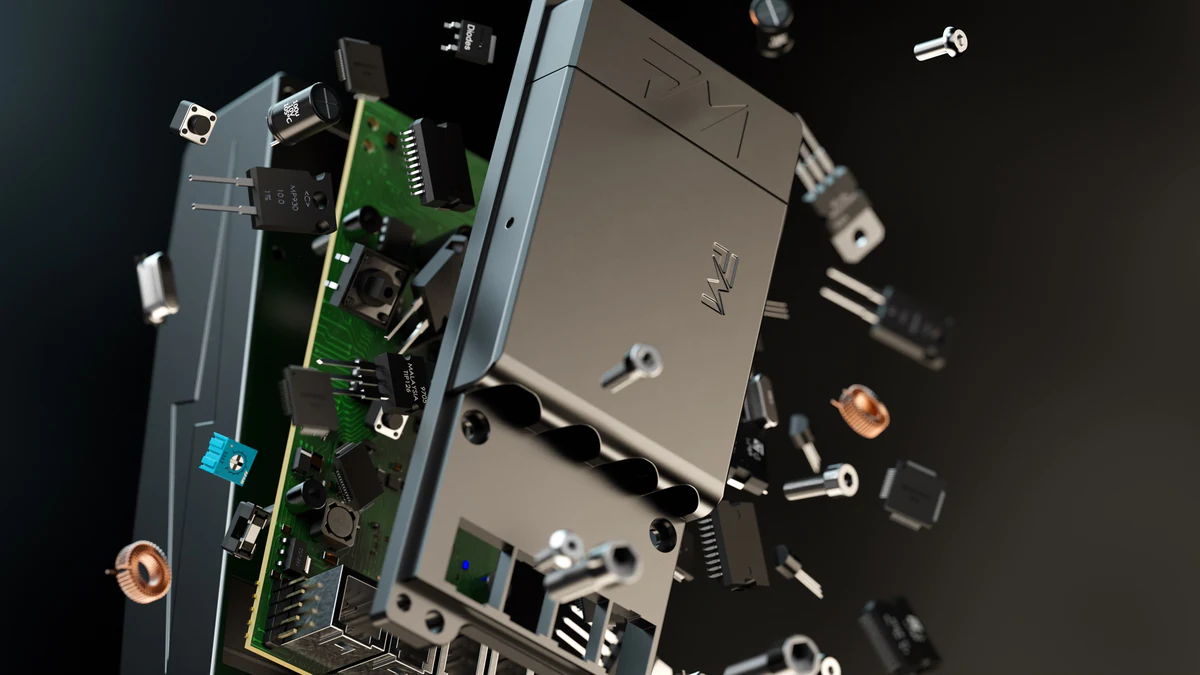
3D Animation
Exploded Animations: Making the Assembly the Story
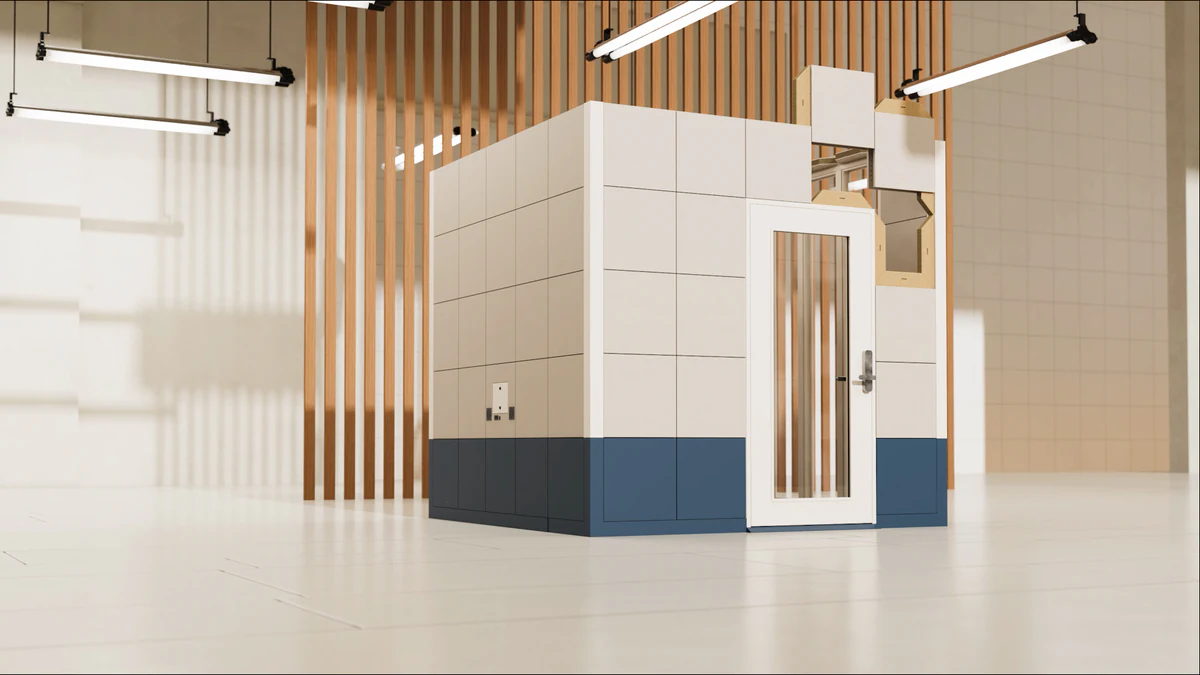
3D Animation
Instructional Animations: CGI for Assembly and Set-Up
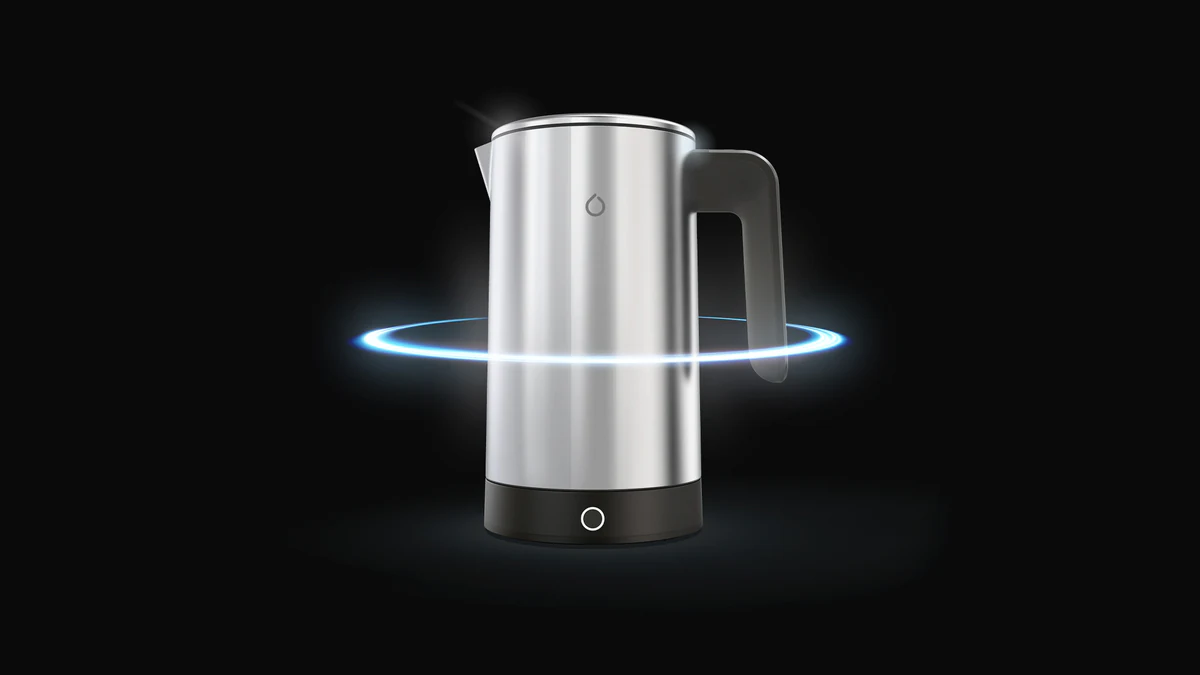
3D Animation
Product Turntables: Interactive Rotation on the Product Page
3D Rendering (10)
3D Rendering
3D Rendering: Types, Process and Uses

3D Rendering
3D Furniture Rendering: Uses, Process and Range Economics

3D Rendering
3D Jewellery Rendering: Materials, Light and Use Cases
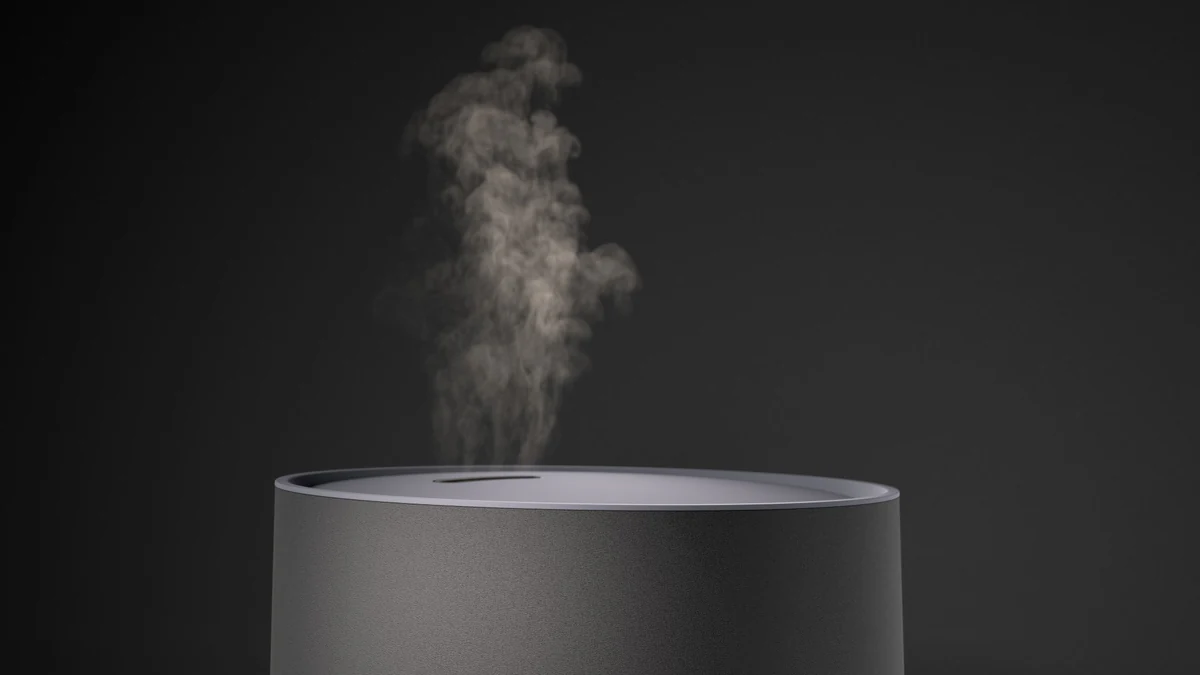
3D Rendering
Keyshot Tips: 11 Techniques for Better Product Renders
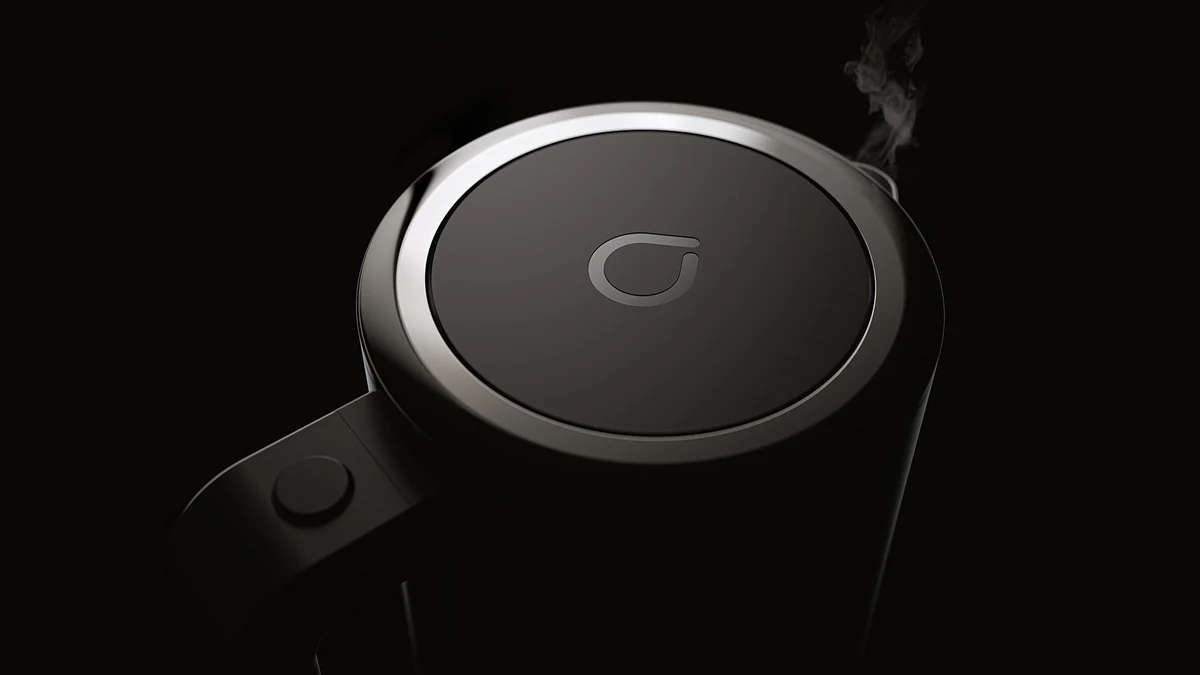
3D Rendering
What Is 3D Product Rendering? Process and Uses
3D Rendering
Exploded Views: Every Part, Rendered

3D Rendering
Lifestyle Images: Product CGI in Context
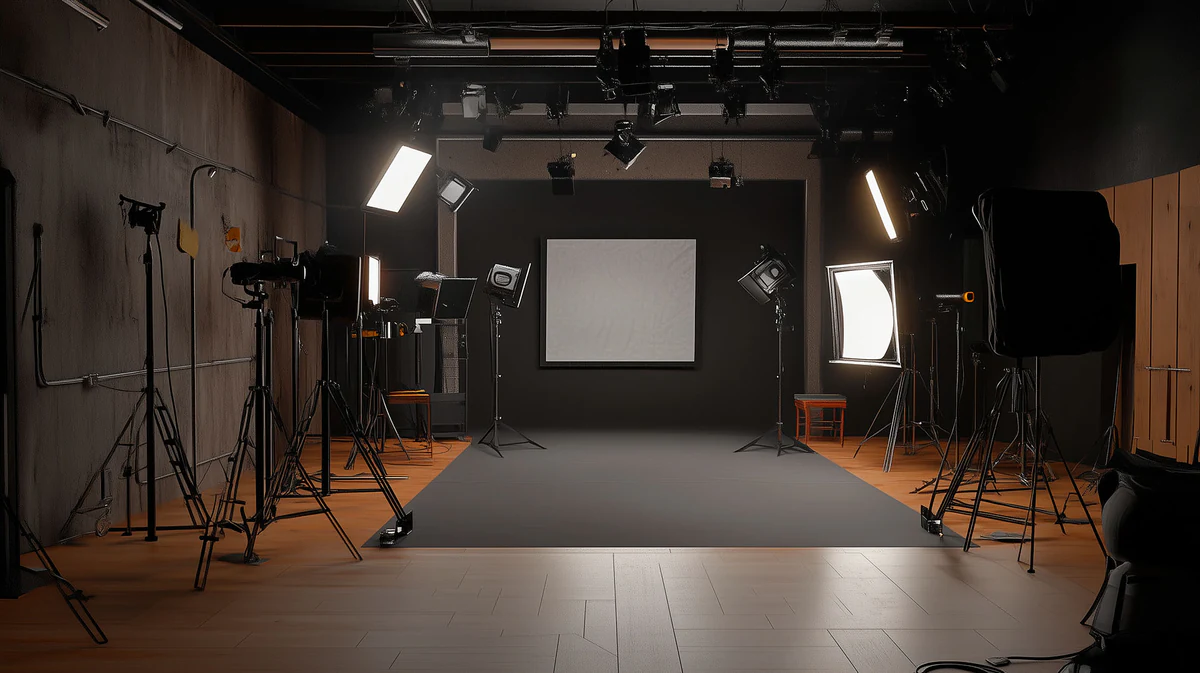
3D Rendering
Product Rendering Lighting Guide
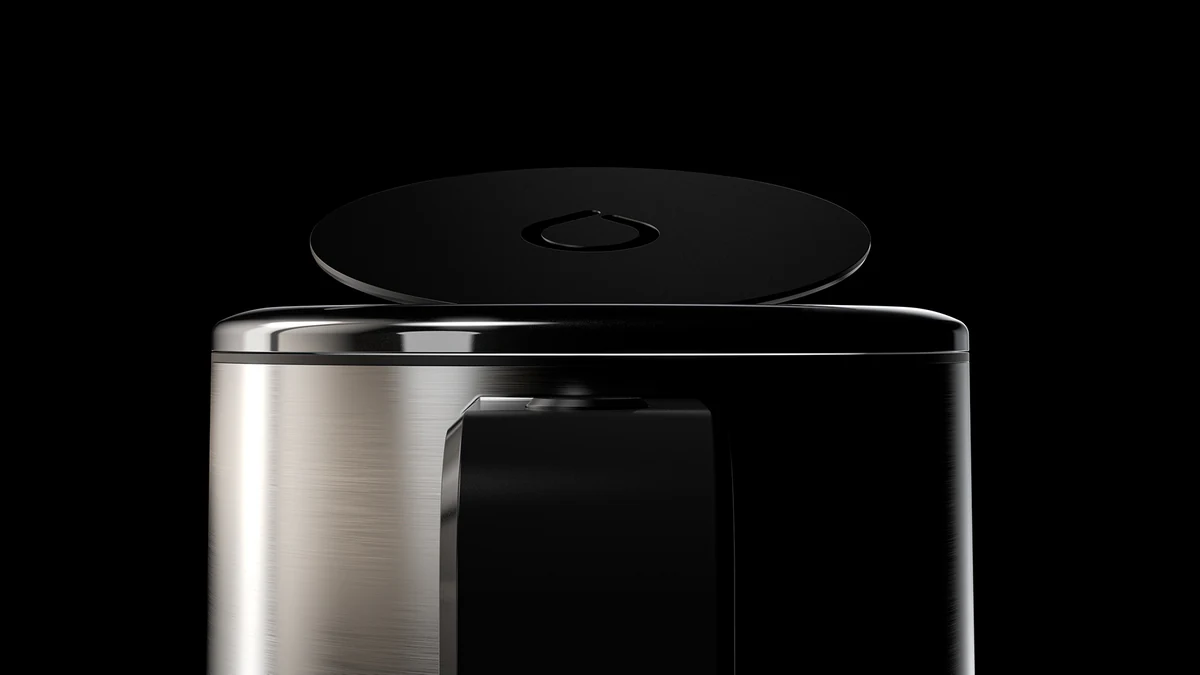
3D Rendering
Teaser Renders: Pre-Launch Product Reveals

3D Rendering
Understanding Materials and Textures in 3D Rendering
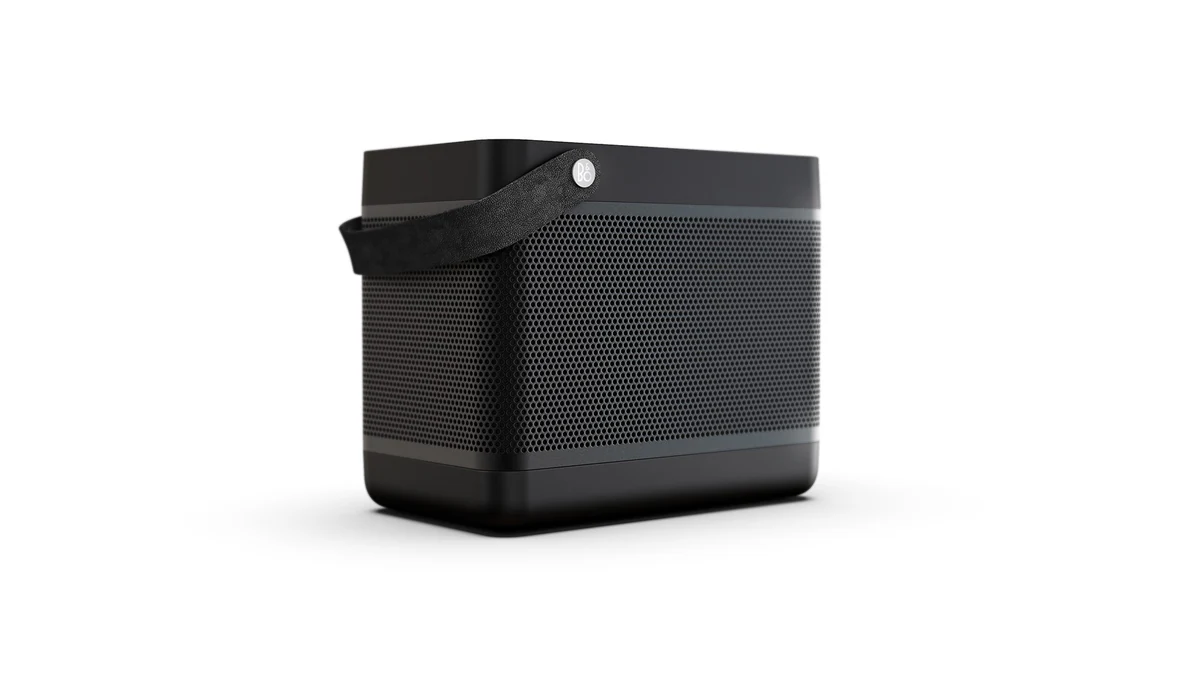
Mood Boards (1)
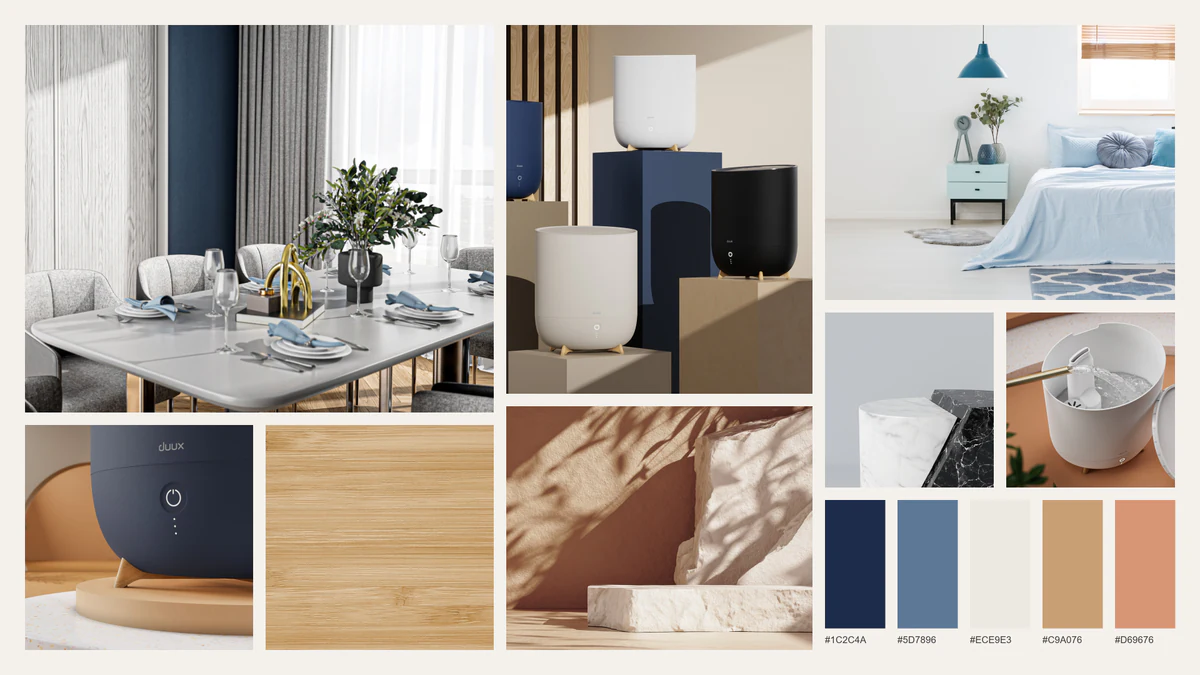
Product Launch (1)
Augmented Reality (1)

Plan the brief
Decision guides and studio field notes.
Practical reading for choosing the right format, setting the production brief and understanding the craft behind the final frame.
Decision guides
See it in real work
From reference to evidence.
A reference page explains a technique. A project page shows it on a real brief. These four pages connect the decisions above to work you can look at.
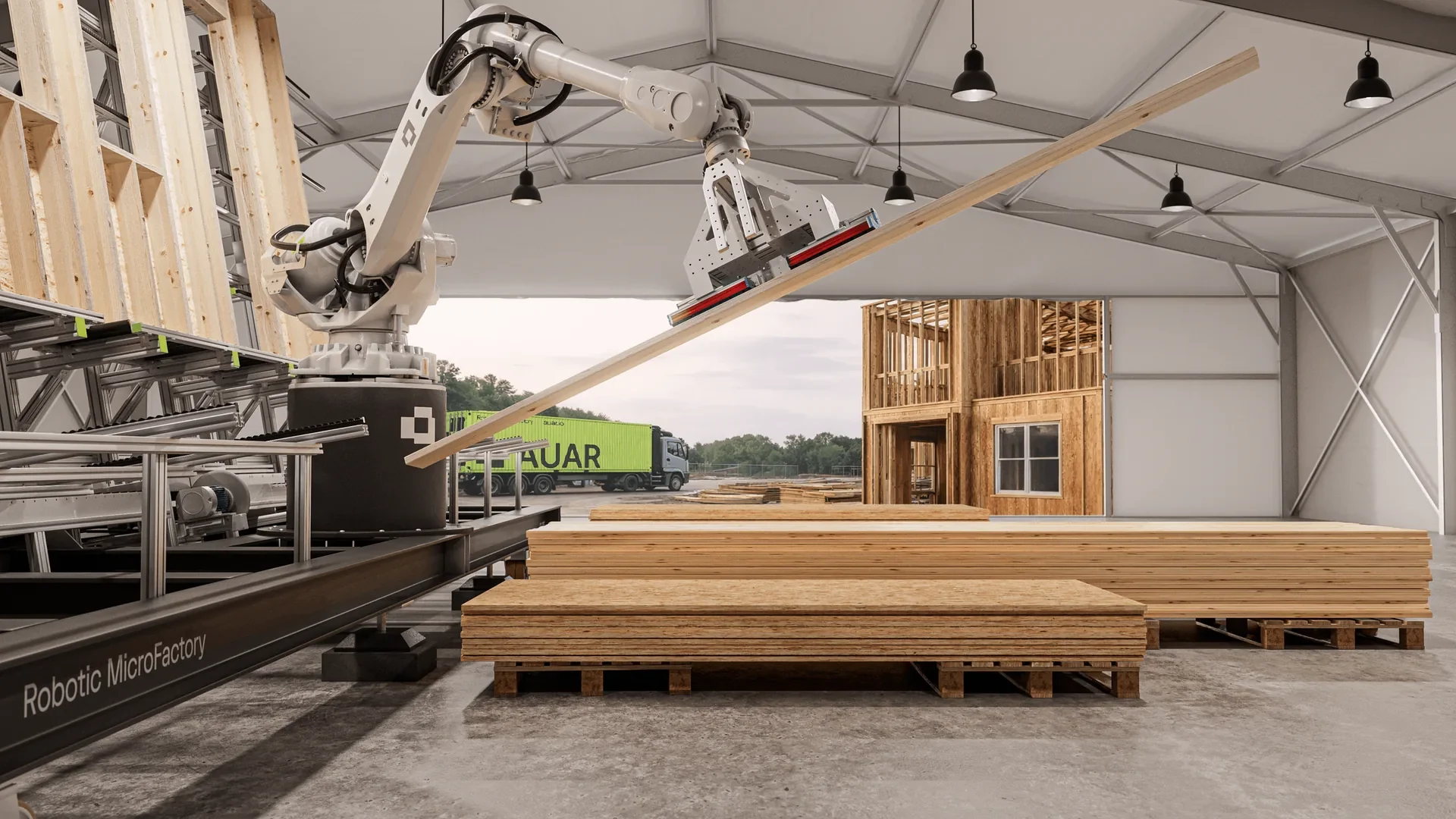
- See the MicroFactory project
AUAR's robotic MicroFactory, explained in a 36-second film and 24 stills for its website launch.
- See a product in context
How lifestyle CGI places a product in a believable setting, and what that setting has to get right.
- Explore internal detail
How exploded views show the parts inside a product and how they fit together.
- See product CGI for furniture and interiors
Cut-out product images, styled room scenes and finish variants for furniture and joinery.
The AUAR page is a project record: it describes what XO3D made, not how the work performed for the client. The other three are reference and sector pages, not new case studies.
Making the assets yourself?
Technical depth lives on XO3D Labs.
This library is written for teams commissioning product CGI. It explains what a technique does, what to ask for and what to check. If you or your team are making the 3D assets yourselves, the practical detail is on XO3D Labs, our separate site of guides and free browser tools. Its guides cover texture maps, file checks, materials and render feedback.
Your next project
Find the right starting point.
Use these references to understand a technique, then choose the output that serves your product. A production conversation begins with the audience and source material.
A route to consider
Launch Visuals
A directed launch suite: film, stills and channel versions, scoped around the product story and release plan.
Bring these three things.
- What is your product?
- What does the audience need to understand?
- Where and when will the work appear?
5.0 from 76 Google reviewsLovie Awards 2026: Bronze and People's Lovie
Pick a time that suits you. Open the calendar on its own page
Start with an outline. We review the product, intended outputs and timing before agreeing the production scope.