

XO3D Studio · 3D Rendering
3D Rendering: Types, Process and Uses
Finished imagery. From software, not a camera.
3D rendering turns a digital model into a finished image or animation frame. It sits inside almost every modern product, property and marketing pipeline. This is the hub, the disciplines that make up 3D rendering, how the process runs at XO3D, and where each output earns its keep.
Why 3D rendering
One production pipeline. Every visual deliverable.
3D rendering is a broad discipline. Product packshots, architectural exteriors, interior visualisation, jewellery macro, furniture ranges and vehicle CGI all sit under the same umbrella, all use the same fundamental process, and all reuse the same 3D asset across stills, animation, interactive and AR.
CGI can show a product before manufacture, explain hidden mechanisms and create directed film or stills. Choose the production approach around the product information, required views and audience.
What's covered
The main varieties, in detail.


Advantages
Why brands commission it.
Photograph the impossible.
Rendering can produce imagery photography cannot capture, cut-away views, exploded assemblies, weightless product shots, aerial visualisation of unbuilt architecture.
Endless variants from one build.
An approved model can support further finishes and configurations. Each change still needs suitable source information, material review and output checks.
Total brand control.
Lighting, camera, environment, colour, material and composition all live inside software. Brand look holds precisely from hero still to social cut-down.
One asset, every channel.
The same 3D build feeds print, ecommerce, social, animation, AR viewers and configurators. Marketing budgets stop paying to reshoot the product for each channel.
Ships before manufacture wraps.
With clean CAD as source, campaign imagery is finalised before the first physical unit ships. Cash flow moves forward, launch dates decouple from manufacturing.
01
Product source
Confirm the approved revision, dimensions and material references.
02
Purpose and format
Agree what the audience needs to see and where the work will appear.
03
Review and delivery
Name the reviewers and record the outputs and approval dates.
Process
How the work is produced.
- STAGE 1
3D modelling.
The product, building or environment is built as a 3D asset from CAD, drawings, sketches or photographs. Topology set up for reuse across every downstream deliverable.
- STAGE 2
Camera setup.
Virtual cameras placed using photography principles, lens choice, focal length and composition. What makes the render read as a photograph.
- STAGE 3
Lighting setup.
A virtual studio built around the subject, key, fill, rim, kicker. Softbox size, distance and diffusion tuned as a physical shoot would be.
- STAGE 4
Materials and texturing.
Real-world material properties applied, anisotropy, subsurface scatter, roughness, clearcoat. Colour references matched against Pantone or physical swatches.
- STAGE 5
Rendering output.
The render engine passes the scene through GPU or CPU rendering, generating stills or frame sequences. Passes separated for control in post.
- STAGE 6
Post-production.
Photoshop, After Effects or Nuke work, colour correction, glow, grade, retouching. This is where the render is finished and matched to the brand.
Who commissions 3D rendering
Built for teams shipping the launch.
Brand marketing directors and CMOs managing a product or property launch. Advertising and design agencies delivering integrated launch briefs. Property developers and architects marketing unbuilt schemes.
Direct-to-consumer brands running Shopify or bespoke storefronts scaling PDP experience. In-house creative teams producing premium CGI for products live-action cannot yet shoot.
Case studies
Recent work.


1MW EV Charger launch. Hero stills, engineering animation and lifestyle composites, all rendered before the physical product reached market.
View case study

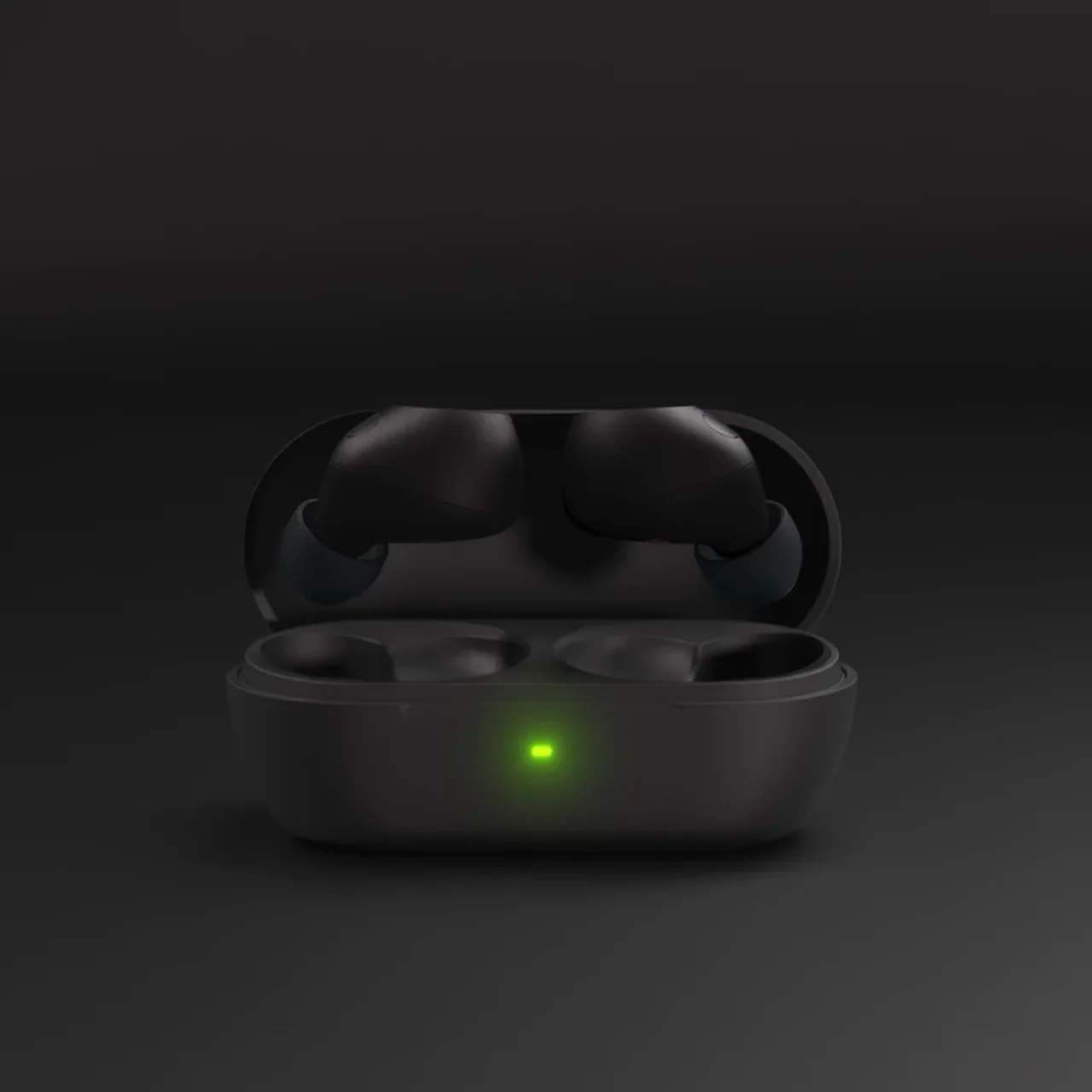
Sony WF-C710 wireless earphones. Packshot stills, launch animation and social cut-downs from a single CGI asset.
View case study

G-Lab gaming keyboard. Hero renders, exploded animation and ecommerce stills, all produced from one source build.
View case studyTestimonial
The team at XO3D were a pleasure to work with on one of our big product launches. They rendered, batched, and saved out literally thousands of images for us. Every single one came out perfect.
For a deeper dive into a specific discipline, see our guides on product rendering, jewellery rendering, and Keyshot tips. For a commercial brief, define the launch moment and required deliverables first, then scope director-led 3D rendering around that job.

FAQ
Common questions, answered.
What is 3D rendering?
3D rendering is the process of converting a 3D model, lighting and materials into a finished still image or animation frame. It sits inside almost every modern product, property and marketing pipeline.
Which discipline of 3D rendering is right for my project?
It depends on the deliverable. Product launches lean on product rendering, property marketing uses architectural and interior rendering, premium ecommerce leans on jewellery or furniture rendering. Any project can combine several.
Can renders be produced before a product exists?
Yes. With clean CAD or design intent, renders can be produced before the physical product is manufactured or the building is built. This is how many launch campaigns and pre-manufacture investor decks are built.
How long does a rendering project take?
A hero still is typically 1 to 2 weeks from approved source data. A full launch suite with animation, stills and social cut-downs is typically 4 to 8 weeks depending on scope.
Do I need to send CAD to start?
CAD makes the process faster and tighter, but is not the only route. Technical drawings, sketches, product photography or a physical sample all work as source material.


Your next project
Define the frame before rendering.
Rendering is the output of earlier choices about product, material, light and camera. Start with the intended image and its purpose rather than selecting a render setting in isolation.
A route to consider
CGI stills and campaign visuals
Directed product stills with an agreed shot list, material references, environments and delivery formats.
Bring these three things.
- What should the frame communicate?
- What product references are ready?
- Where will the image appear?
Start with an outline. We review the product, intended outputs and timing before agreeing the production scope.