XO3D Studio
Launch Visuals.
The films, stills and channel formats your launch needs, built from one approved 3D asset.
A product launch is not a single film. It is a website hero, a social campaign, a press kit, a trade show screen, and a retailer listing, all needing to look like they came from the same creative decision. We make that happen from one build.
Selected clients



Sony work via ImageNova. Ferrari and Burberry work via KCD.
Planning your brief
Updated
What is a launch visuals suite and who is it for?
A launch visuals suite is XO3D's coordinated set of product films, stills, social edits, press assets and optional interactive experiences, created from one approved 3D product asset. Brand and marketing directors, in-house creative teams, founders and agencies commission it from XO3D when preparing a physical-product launch across several channels. XO3D begins with the launch date, audience, channel plan and required asset list, then sets the creative direction before building or preparing the CAD-led model, materials and lighting system.
Film, stills, colourways and platform formats can then be produced in parallel, with staged reviews keeping the product and visual language consistent. Scope is determined by product complexity, the condition of the source files, the number of deliverables and variants, the channels they must serve, the review process and the fixed launch window. The result is one directed visual system that can support web, social, retail, press, presentations and events before and after launch.
Questions before you briefA launch needs many assets. They should look like one decision.
A launch can need a website hero, social edits, a press kit, a trade show screen and retailer listings. When each one is made separately, from different samples, set-ups and briefs, the product can drift between them: the lighting, the colour temperature or the finish reads differently from one channel to the next. Keeping them aligned then takes extra coordination at every review.
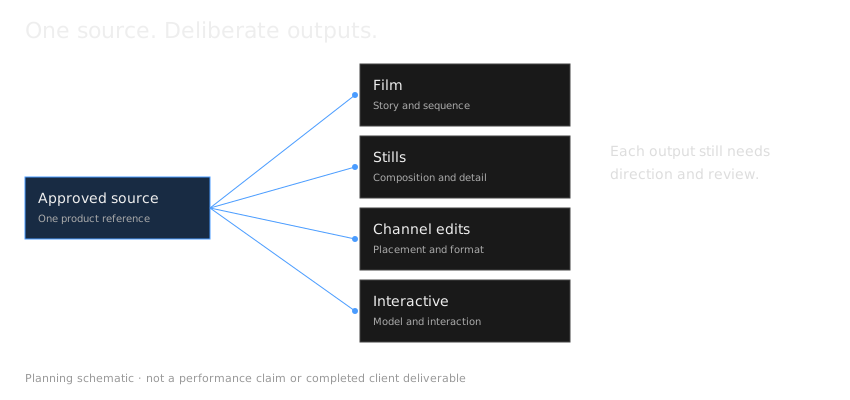
XO3D builds your product once in 3D from your approved source, and produces the agreed launch outputs from that asset. Every output starts from the same model, materials, lighting approach and creative direction, which is what keeps the set consistent. Each destination still gets its own camera, composition and delivery work, agreed in the scope, so a vertical edit or a print still is made for its place rather than cropped by default. That build starts with 3D modelling from your CAD. For stills, colourways and 360 views without a full launch suite, see our 3D product visualisation studio. Our guide explains what makes a hero render work, and what product CGI is if you are new to it.
Product truth, carried across the whole launch.
What's included
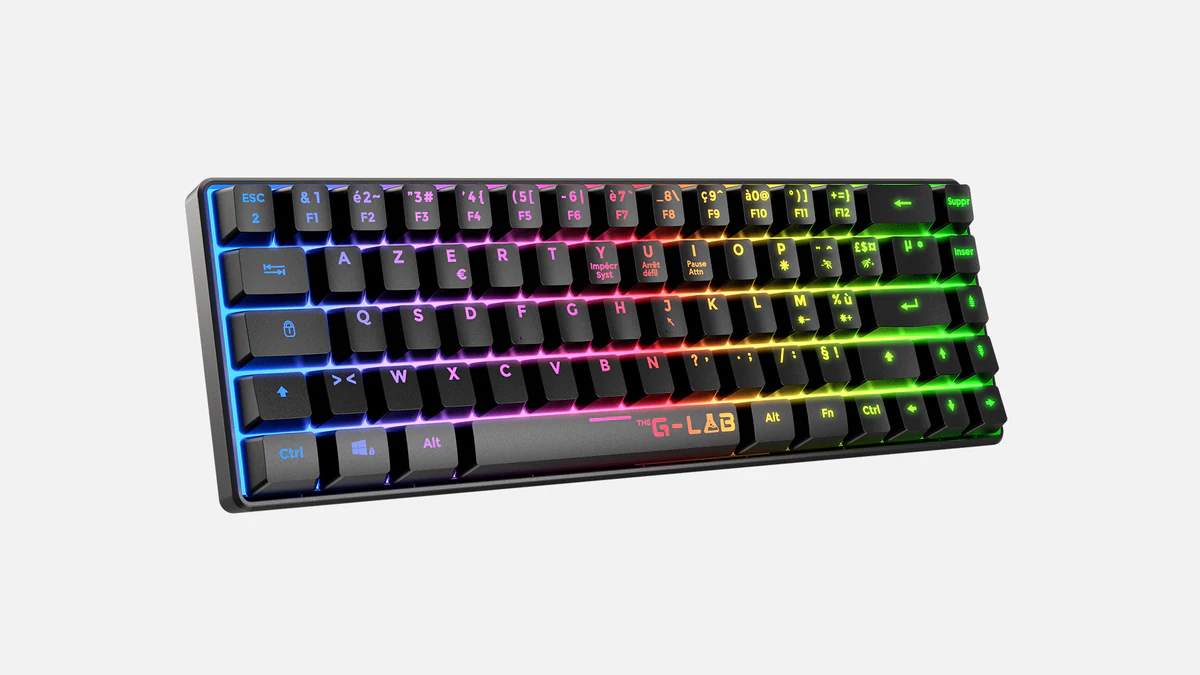
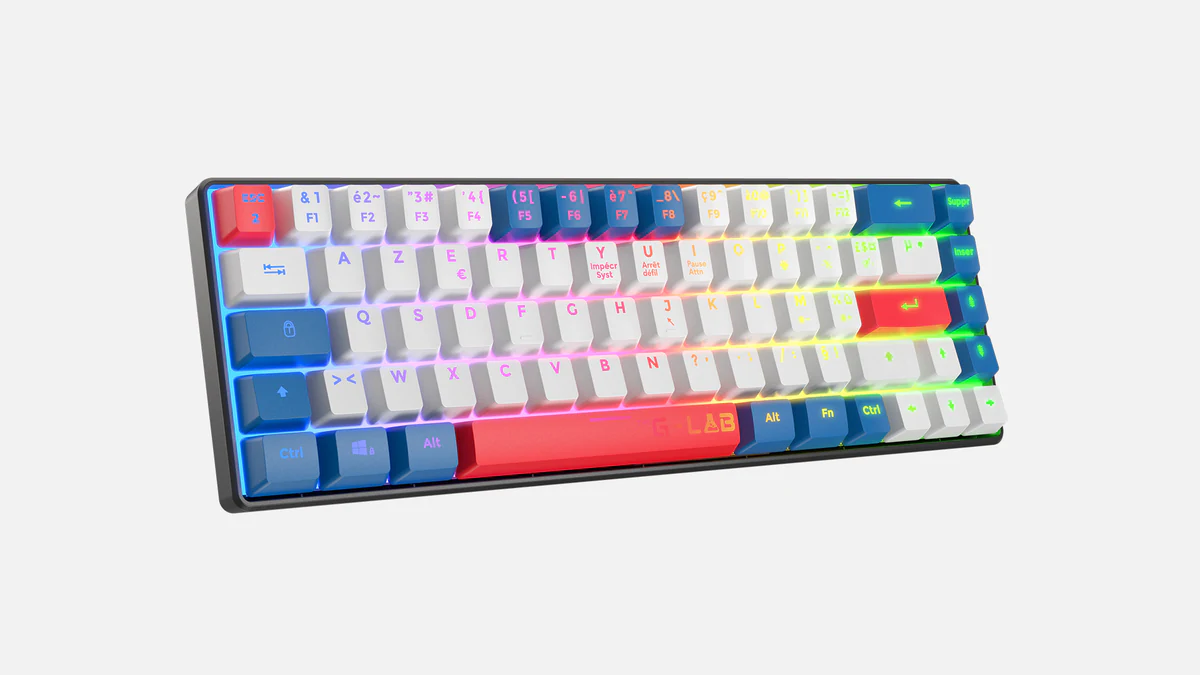
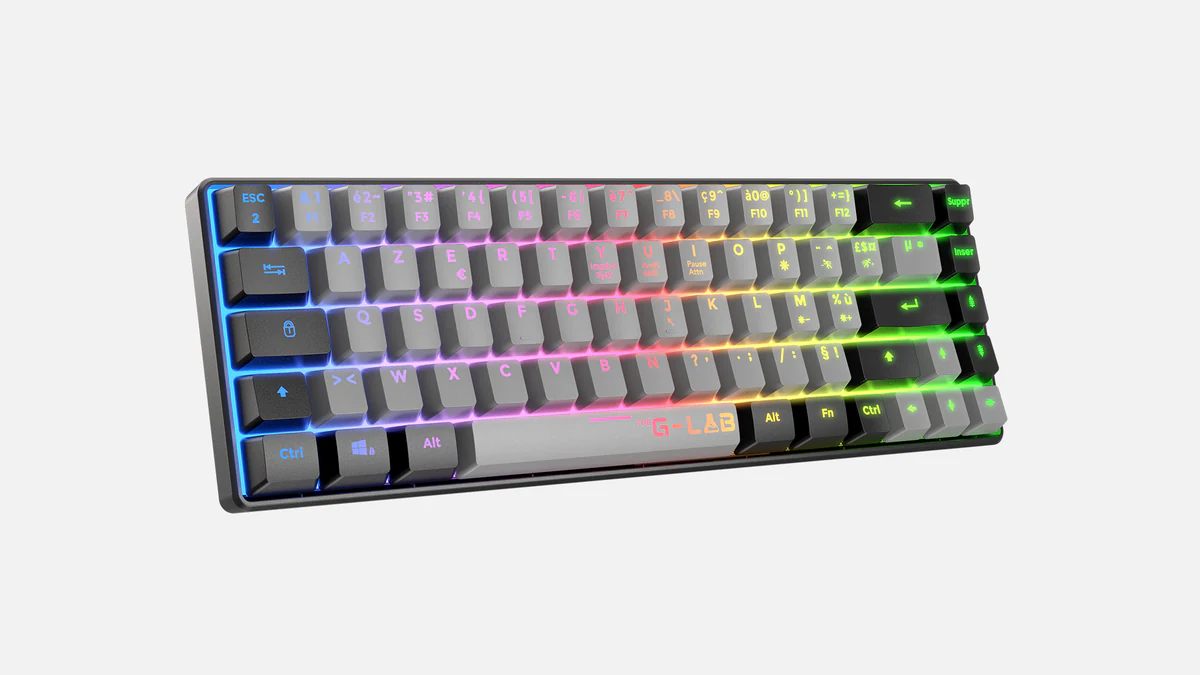
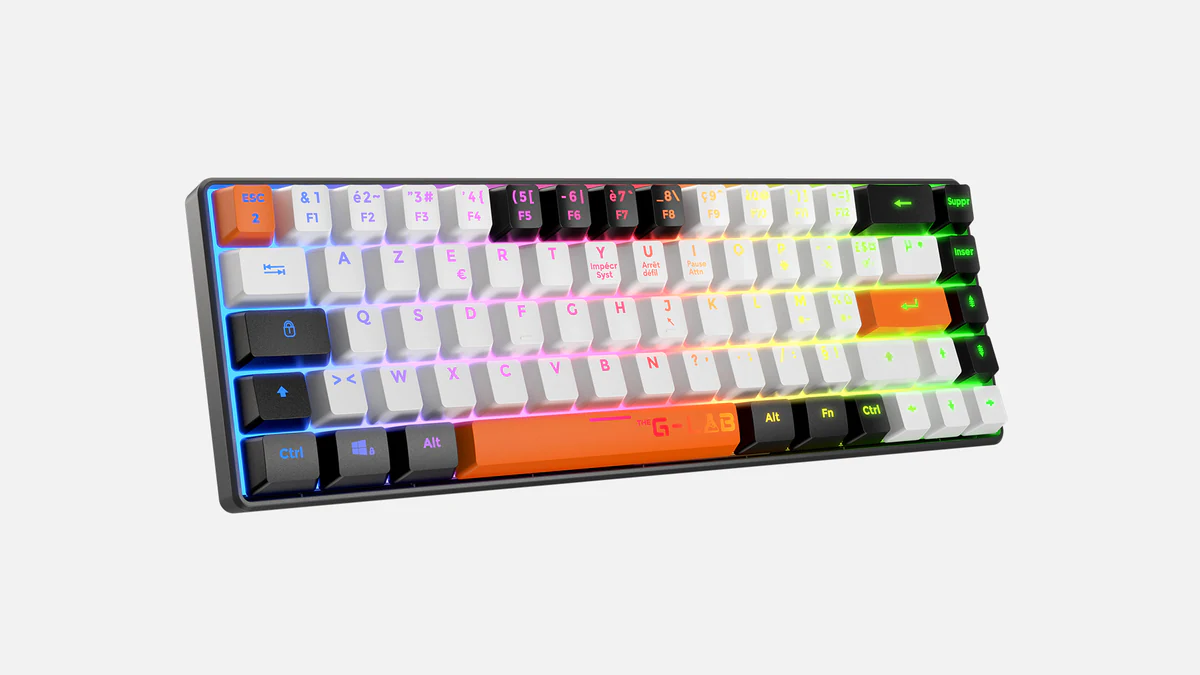
What we deliver as agreed in the brief in a launch suite.
Sample delivery schedule
How the agreed outputs are tracked.
Before production, the agreed outputs go into one schedule. Each row says what the output is for, the format agreed, when it is first needed and who reviews it. The rows below are a fictional example for an invented product. First-use dates are shown as events, not real days. The interactive and AR rows are optional extras, not part of every suite, and nothing here is a price or a guaranteed completion time. To plan the rows for your own launch, start with a product launch asset matrix.
| Output | Purpose | Agreed format | First needed | Review owner | Status |
|---|---|---|---|---|---|
| Hero launch film | Introduce the product on the launch page | 16:9 master with a poster still | Launch page go-live | Brand lead | Storyboard approved |
| Social edits | Show one feature quickly in feeds | 9:16, 1:1 and 4:5 versions | Campaign start | Social lead | To agree |
| Stills library | Product page and retailer listings | Studio and detail stills at the agreed size | Retailer deadline | Product owner | In review |
| Press images | Coverage around the announcement | Hero, lifestyle and white-background packshot | Press embargo | Communications lead | To agree |
| Product interactive (optional) | Let buyers inspect the product | Web-embedded 360° viewer | If agreed | Web lead | Optional |
| AR model (optional) | Let buyers place the product in their own space | USDZ and GLB | If agreed | Web lead | Optional |
The advantage
What one approved Master Asset gives a launch.
Because the Master Asset is built from CAD rather than photographed from a sample, it exists before the product does. Launch content can be finished before the product ships, and film, stills, social formats and interactive all come from that one approved asset in parallel rather than one after another.
Visual consistency.
Film, stills, social edits and interactive outputs start from the same model, materials and lighting approach, so the product reads consistently from one channel to the next. Each output is still checked against the approved product.
Efficiency at scale.
XO3D builds and approves the 3D asset as a reusable production foundation. New formats, colourways and camera angles can then inherit the same product, materials and lighting system instead of starting from an empty scene. Where the suite also needs one motion language across every cutdown, see Brand Motion.
Pre-launch production.
XO3D works from CAD files and engineering specifications. The pre-manufacture visualisation workflow lets the launch assets progress before the product is manufactured, so the campaign can be ready for the release window.
After the launch
What the build can do after launch.
The next market.
A launch built for one region can often be re-cut for the next rather than re-shot. The work is the localisation, the edit and a check of any on-screen wording.
The next campaign.
A seasonal push, a retailer refresh or a trade-show cut can start from a known asset, with the visual language already settled. For a fragrance launch, see perfume marketing ideas and the visual each one needs.
The next variant.
A new colourway, finish or configuration can be built on the existing Master Asset and checked against the product references.
The next launch.
A successor product that shares components, materials or design language can start from the earlier build, depending on how much has changed.
Each new use still needs its own brief and review. The lifecycle guide sets out what the build can support after launch. New films are scoped through Product CGI Films, and further stills and colourways through 3D product rendering. Where brands extend the same build month after month, a Visual Content Partnership covers it.
You own the delivered work and the commissioned model outright, with no limit on medium, territory or duration, and projects are archived indefinitely. That is what makes a returning brief a smaller scope of work than the original build rather than a fresh start. How the ownership line is drawn is on trust and security.
Process
How a launch visual suite is produced.
- STAGE 1
Launch brief & asset inventory.
We review the launch timeline, the channel plan, and the full list of assets required. We build a production schedule backwards from the launch date, identifying what needs to be in review at what stage.
- STAGE 2
Creative direction.
We agree on the visual language for the launch, the environmental context, the lighting mood, the colour grade direction, the film edit rhythm. Shared with the brand or agency before any production begins.
- STAGE 3
3D build & material development.
Model, materials and lighting rig are built and approved. Material and lighting tests are shared at this stage, because this is where the look of the launch is decided.
- STAGE 4
Parallel production.
Film animation, still renders, social formats and interactive build run in parallel once the 3D asset is approved. This is the point of the Master Asset: every deliverable shares the same source.
- STAGE 5
Staged delivery.
Delivery priorities and review milestones are agreed against your launch date before production begins. The schedule identifies which film, stills, social, interactive and press assets are needed first.
Who it's for
Launch Visuals briefs come from.
Brand Marketing Directors.
Managing a major product launch who need a single production partner across all CGI deliverables.
Advertising and design agencies.
Who have won the launch brief and need a specialist CGI studio to produce the visual assets within their creative direction.
Start-ups and scale-ups.
Launching physical products, often before manufacturing is complete, who need investor-grade visuals to support a launch event or crowdfunding campaign.
In-house creative teams.
At established consumer brands who need premium CGI output to match a campaign that live-action photography cannot deliver at scale.
Launching through Kickstarter or Indiegogo before manufacture? See how we build crowdfunding CGI campaign assets from the same product source. For paid channels, see CGI for paid social and digital advertising. Not sure which context you are in? Choose a use case.
For named proof, see the construction robotics AUAR launch visual suite, the CAD-led Petalite launch system, a smart locker launch suite for Bloq.it and the premium consumer Sony WF-C710 launch work.
Planning your project
A launch with one visual language.
The AUAR MicroFactory launch needed to explain a robotic construction system before a finished physical product existed. The film, website stills and supporting motion assets had different jobs within the same launch.
Tell us about your brief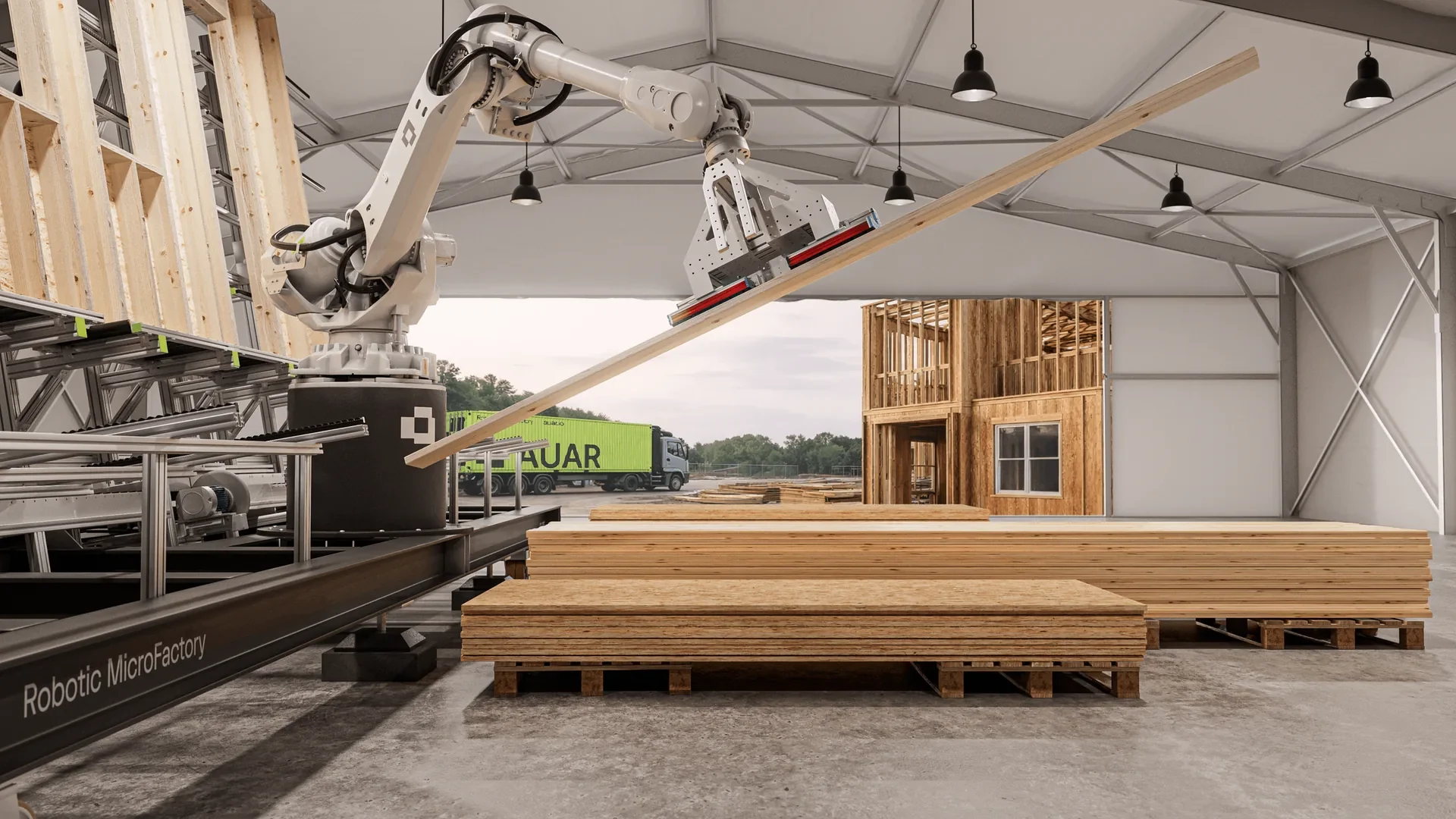
From movement reference to the final frame.
AUAR supplied footage of its working prototype and earlier robot versions, alongside stills. The team used these movement and appearance references for detailed Cinema 4D rigging, including the arm, cables and wires.
The published process reel shows grey card, material development, lighting and camera studies. Selected film compositions became website stills; other views were created to explain the factory setup. Explore the case study for the reel, delivered work and production credits.
Updated
Before you brief
Your programme questions.
What is included in a launch visuals suite?
A launch suite can include a hero film, platform-specific social edits, a library of studio and lifestyle stills, colourway variants, press images and an interactive product view. The final set is agreed around the launch plan. Every approved output comes from the same 3D asset, material system, lighting language and creative direction.
How far before launch should we brief XO3D?
Brief XO3D during campaign planning, before the launch date and channel commitments are fixed. Early involvement gives the team time to define the visual direction, audit the source files, plan reviews and sequence delivery around the launch priorities. The production schedule is then built backwards from the date the first approved assets must be live.
What does XO3D need to start a launch suite?
Start with the product brief, launch date, audience, channel plan and required deliverables. CAD files or an existing 3D model are the strongest product inputs, supported by technical drawings, material and finish references, brand guidance and any approved campaign direction. XO3D audits what exists before confirming the production scope.
How are colourways and platform formats handled?
Colourways are built as controlled variants of the approved Master Asset. XO3D plans the agreed film formats before rendering: extra canvas space allows crops where the composition works, while a custom camera is needed where a landscape crop would lose the product or its message in a vertical mobile view. The AUAR MicroFactory case study shows delivered landscape and vertical shot examples. Resolutions, aspect ratios and file formats are agreed in the deliverables list.
Can the suite be reused after the launch?
Yes. The approved 3D asset can support later colourways, product-page updates, retailer imagery, campaign edits, sales materials, event screens and interactive experiences without rebuilding the product from the beginning. Reuse still needs a defined brief and review, but the existing model, materials and visual language create a consistent starting point for the next release.
Is it better to shoot each channel separately or build the product once in 3D?
For a launch needing film, campaign stills, social formats, press assets and often an interactive, building the product once in 3D is usually the more sensible route, because every output then inherits the same approved geometry, materials and lighting. Separate shoots give you separate versions of the truth: colours that drift between channels, a hero angle that cannot be recreated for a later format, and a reshoot whenever a variant is added. The trade-off is that the 3D build front-loads the work and the approval, so the look is signed off once, early, rather than renegotiated repeatedly. Where a single photograph is all a campaign needs, photography remains the simpler answer.
Which XO3D project shows a complex launch suite delivered to a fixed deadline?
XO3D produced the AUAR MicroFactory CGI content suite within two months for its website launch. The delivered set included a 36-second hero animation, 24 stills, website loops and supporting motion assets. The case study shows the complex robotic system and the landscape and vertical formats. This is one project example; a new schedule depends on the product, source files, agreed deliverables and review time.
Can production begin before manufacturing is complete?
Yes, where the available product data supports it. We agree what is approved, what remains provisional and how changes will be reviewed.
Start the conversation
Planning a product launch? Tell us what it needs to look like.
The sooner we are involved in a launch timeline, the better the result. Tell us when you are launching and what the product is.
Prefer to talk it through first? Book a 15-minute call
5.0 from 76 Google reviewsLovie Awards 2026: Bronze and People's Lovie