
Robotics and automation
Make the system legible.
A robotic system has to be understood in motion. The cell layout, the working sequence and the relationship between the machine and its task all contribute to the explanation.
XO3D creates product CGI that can show those relationships in a controlled sequence. We begin with the audience and the specific operation the film needs to communicate.
New to CGI? Read what product CGI is.
Tell us about your brief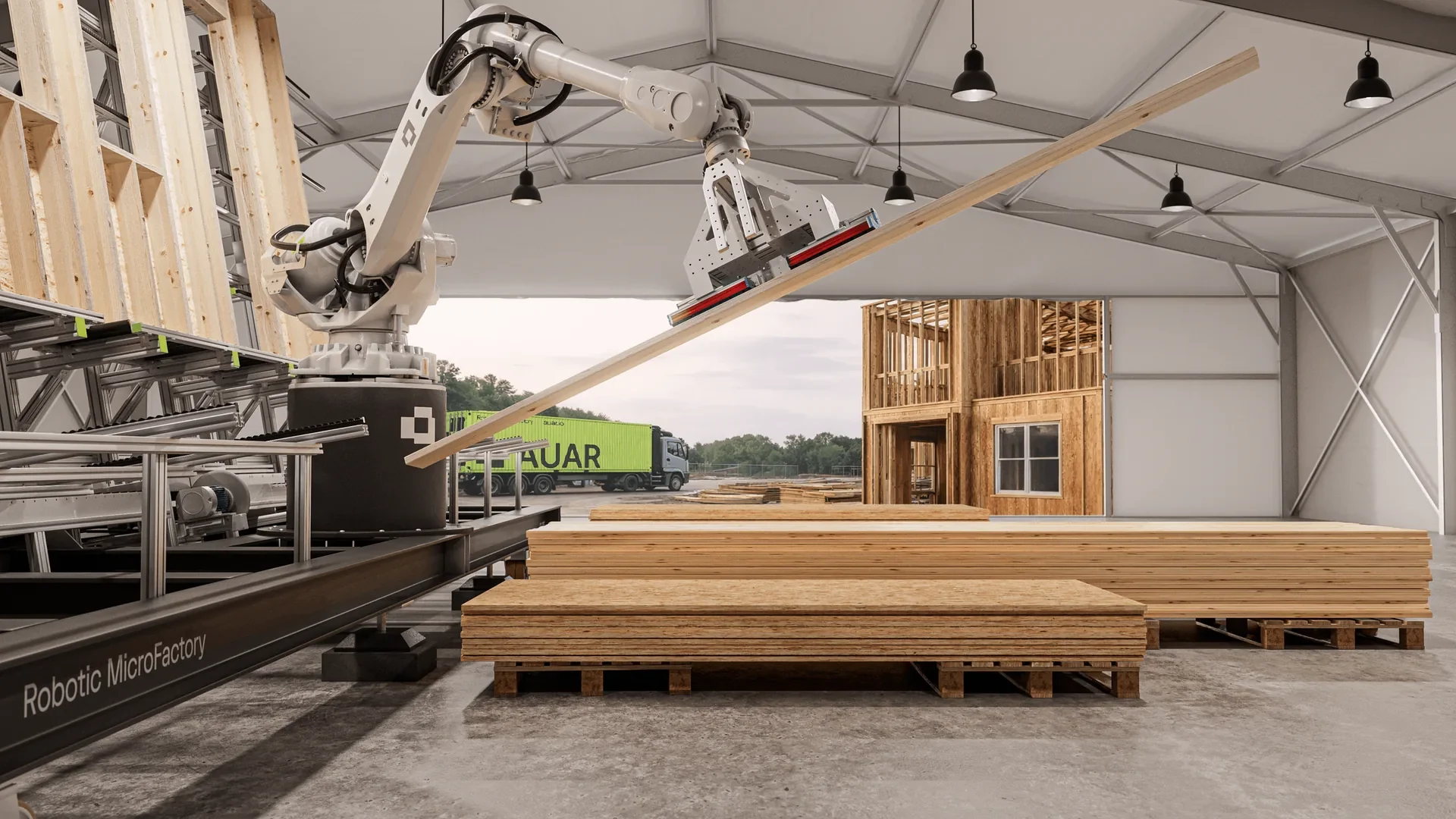
The work in motion
AUAR MicroFactory.
Watch the published hero film, then explore the case study for the brief, product review and production decisions.
Establish the whole system.
A wide view gives the viewer a frame of reference. Show the work area, the main components and the material or product moving through it.
Then move closer to the action that matters. A gripper, transfer or tool change needs enough context to remain understandable.
Show purposeful movement.
Use the client's approved account of the system's operation. Identify which actions must be represented precisely and which views are explanatory simplifications.
The production should not imply verified throughput, safety performance or autonomous capability from movement alone. Those claims need their own evidence.
Three views that explain one system.
A robotic system is easier to follow when each view has one job. In the AUAR MicroFactory work, a wide view sets the scene, a second view follows the timber, and a close-up isolates the tool that handles it. Use the same order for your own system: context first, then the material, then the action that matters. The pictures explain the sequence. Do not read dimensions, speed, throughput or reach from them; those need their own evidence.
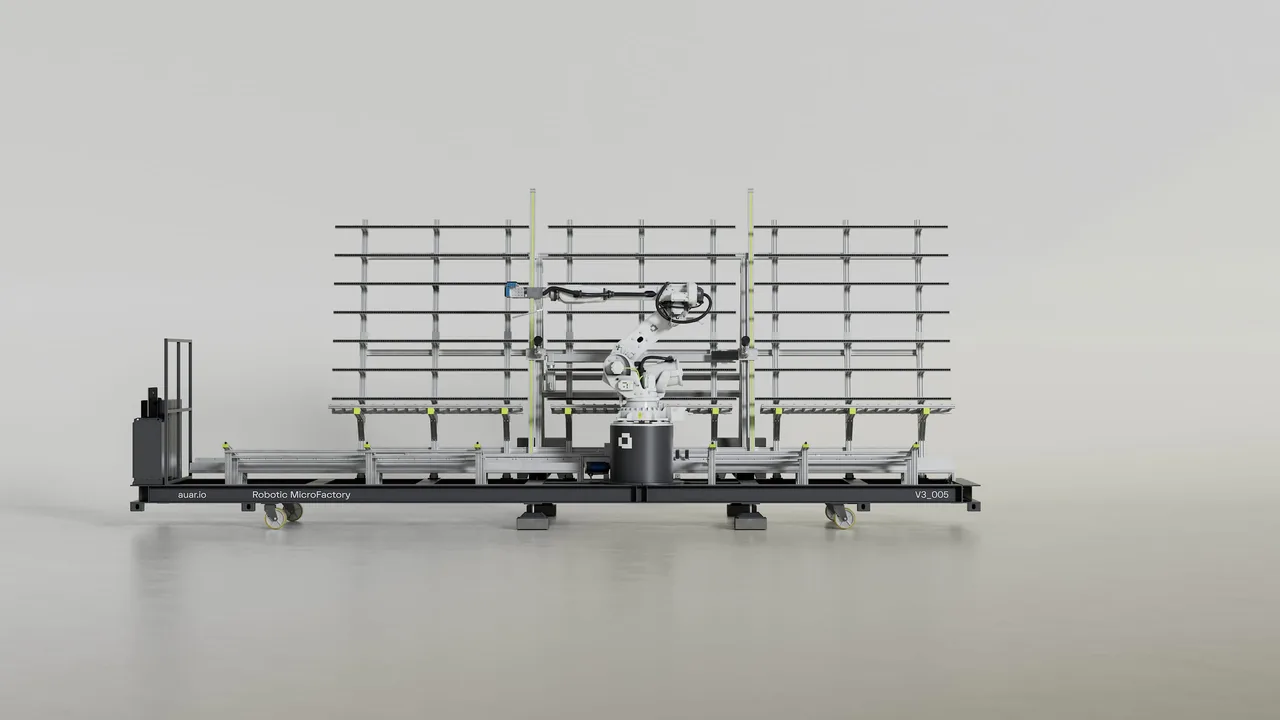
1. Establish the operating context. The whole cell, front on. The viewer sees the rails, the rack and the robot before any detail.
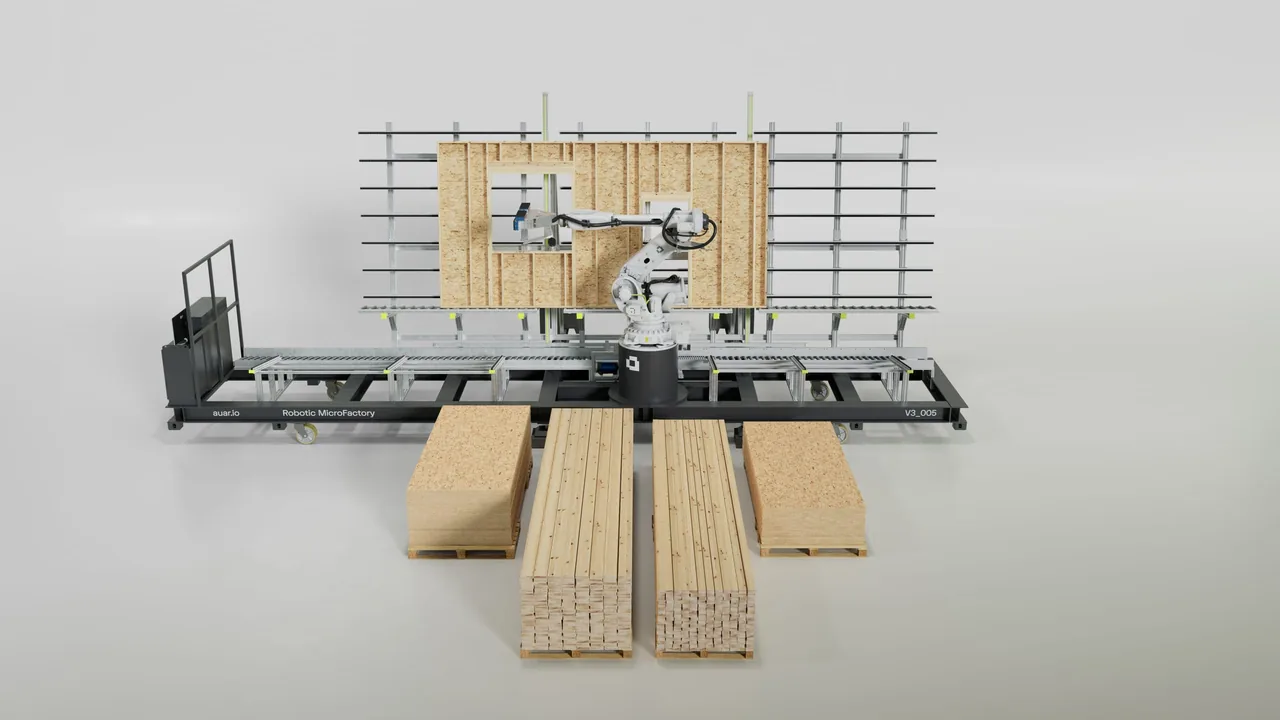
2. Follow the material. Timber stock in front, a wall panel on the rack. The view connects what goes in with what comes out.
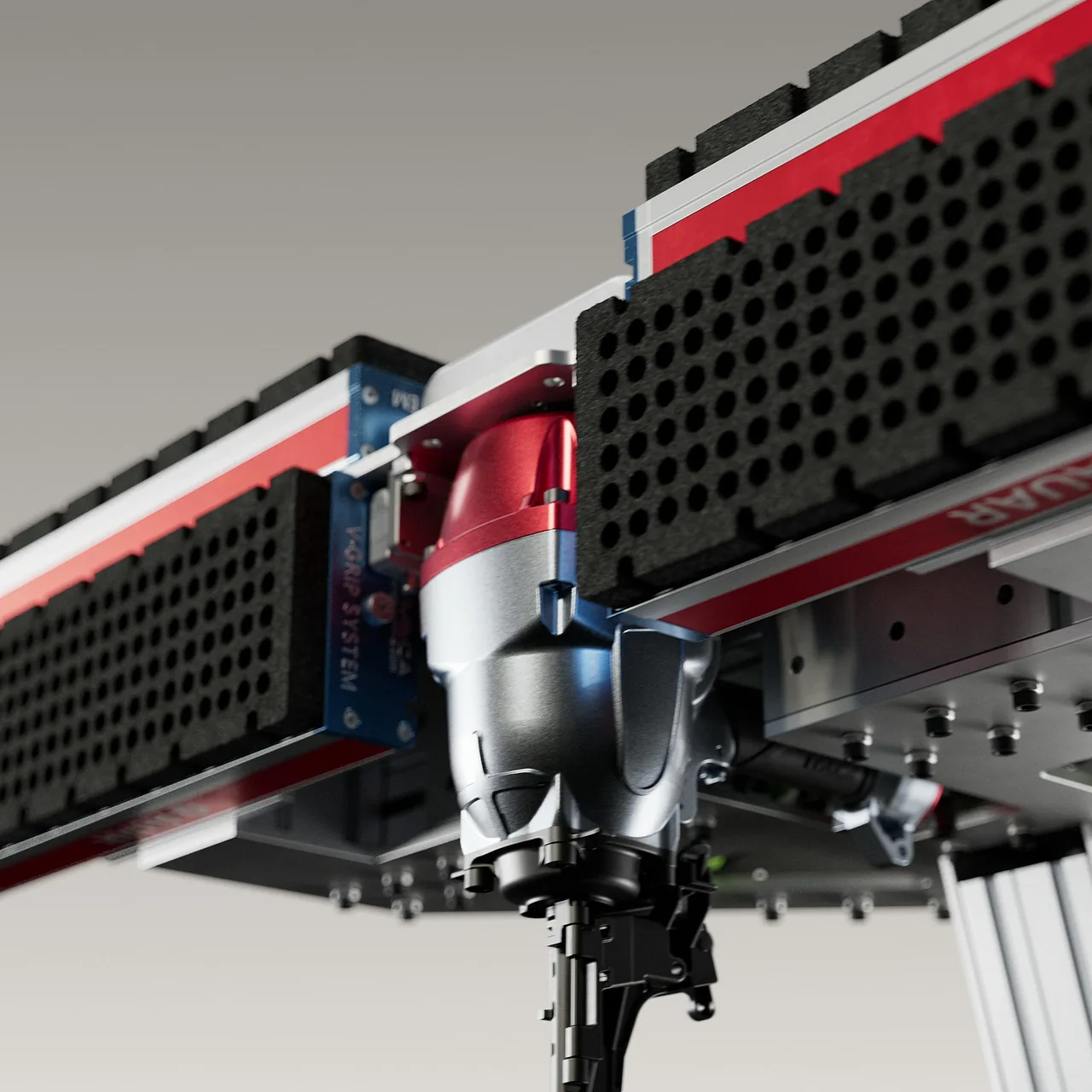
3. Isolate the critical action. The tool head, close up. The detail that does the work gets its own frame.
What the reference material established.
For AUAR, the client supplied the model and brand guidance, with videos of a prototype working in its factory, earlier versions of the robot and stills of how it moved and looked. Those gave the team movement and appearance references. The storyboard then connected deployment from the container with the timber-panel sequence. That is reference for a communication film, not a kinematic simulation or a check of the CAD. For your system, agree which source material is current and which actions need engineering review. How we approach technical CGI.
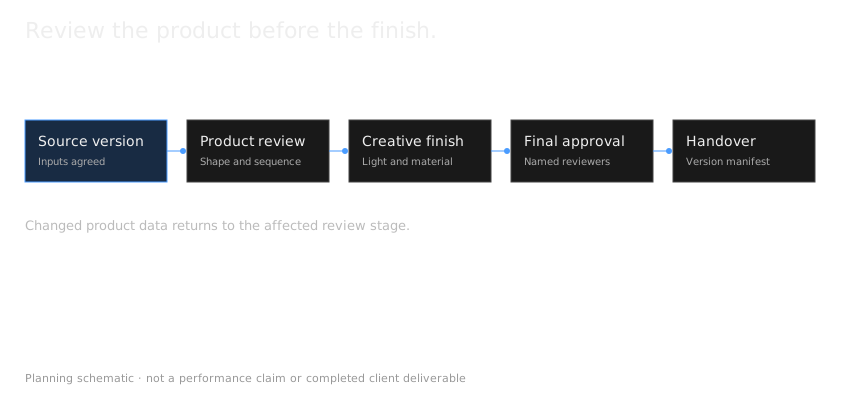
Review the sequence before the finish.
Confirm the system arrangement and motion logic before committing to final materials and lighting. Technical review is particularly important when the physical installation is still developing.
A product film is a communication asset. It is not a digital twin, safety validation or simulation unless a separately defined project establishes those functions.
Review the explanation before the finish.
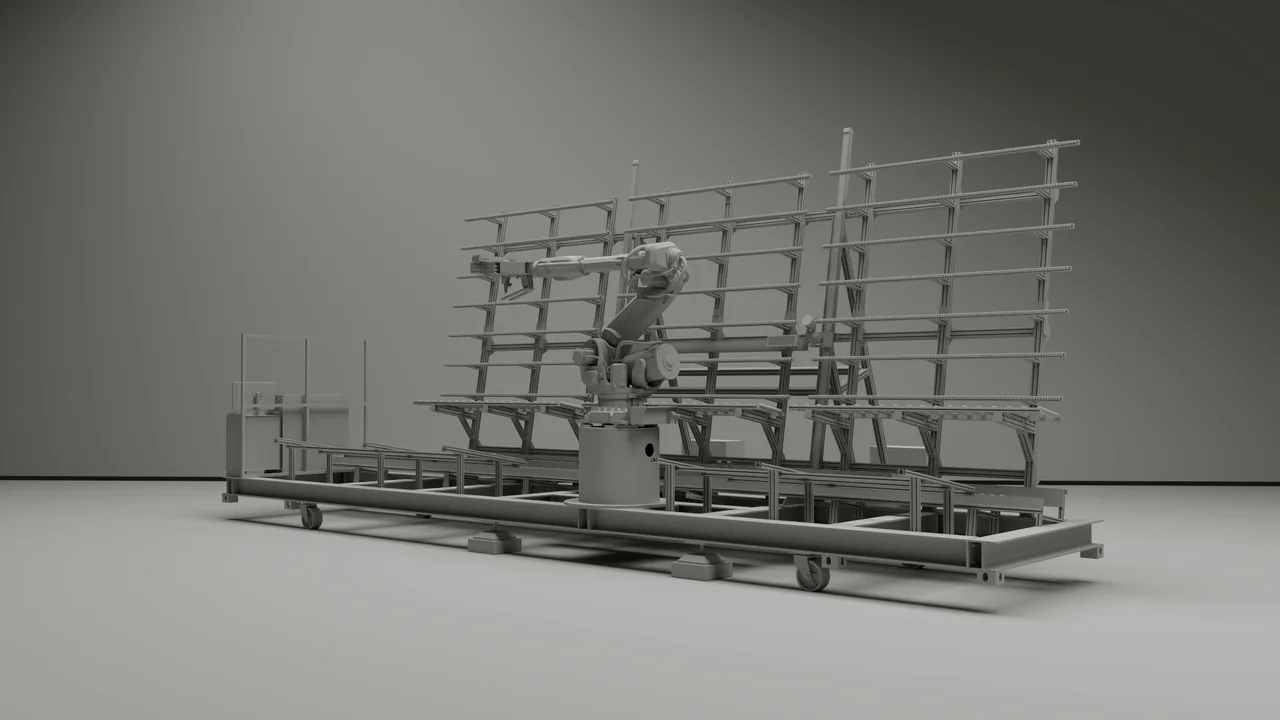
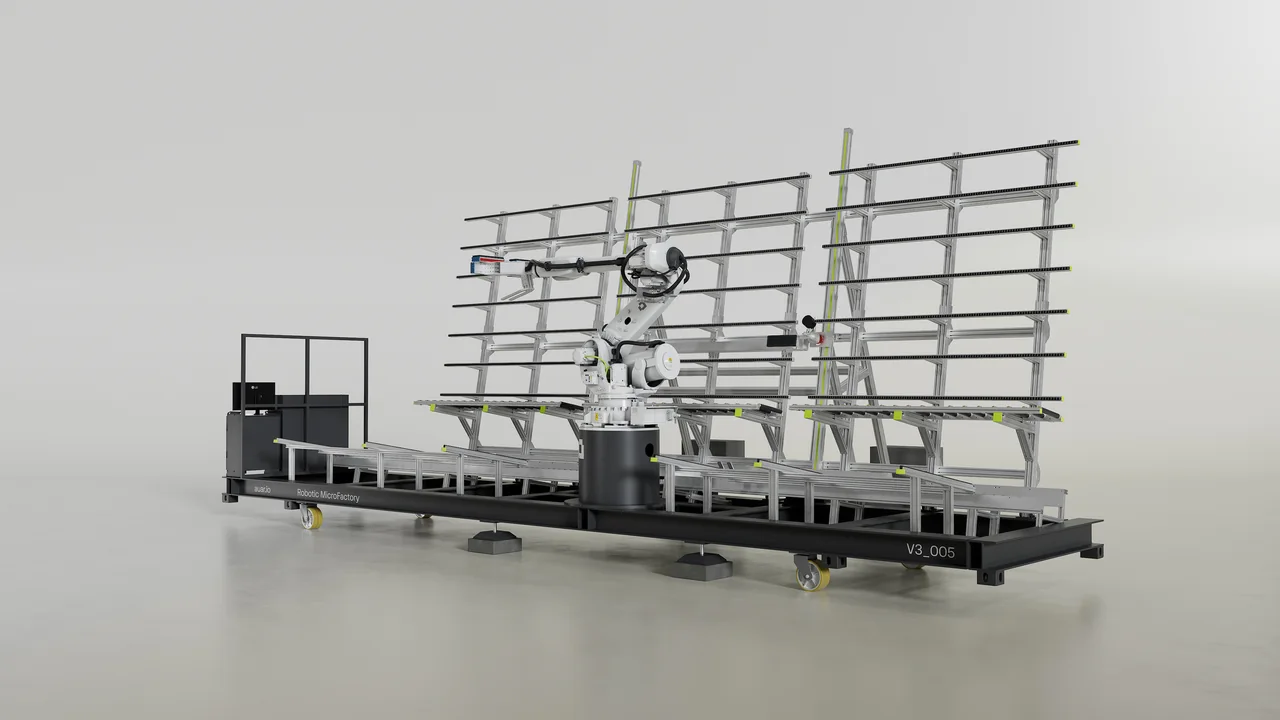
On AUAR, each shot was composed in a grey pass before any materials or lighting went in. That is where the camera, the staging and the order of the explanation are decided,, before the finished look is added. In the pair below, the grey pass sets up the robot and rack; the final render has a slightly changed camera angle and the finished look. Compare the composition, not the surfaces. The final image does not prove that the system meets any engineering requirement.
See AUAR.
The AUAR MicroFactory film moves from the complete robotic cell to the gripper and timber assembly sequence. Explore the case study to see the finished work alongside the creative direction, product references and production stages.
Robotics brief questions.
Can you show a system before installation?
Where approved source information supports it, CGI can represent the planned system. Record the current design and unresolved assumptions.
Can the same work support launch and technical sales?
Suitable assets can support both, with different levels of explanation and separately agreed outputs.
Start with these four questions.
Answer these four questions before the first call, so the conversation starts from the operation that matters.
- What operation must the viewer understand?
- Who will watch: buyers, operators, investors or a mixed audience?
- Which source information and motion references are approved?
- Where will the film or stills appear?
See how AUAR's prototype references shaped the film, then tell us about your system.
Further reading: AUAR: the robotic construction system
Updated